Recovering a gateway after a failed firmware update is usually possible, and the outcome depends on what you have on hand rather than on how clever the recovery is. Most failures interrupt the boot process; most platforms provide a way to interrupt it deliberately in the other direction.
This article covers what a failed update typically damages, the recovery paths that exist on most platforms, what to assemble before starting, how to sequence a recovery so the configuration survives, what to prepare when recovery does not work, and the preparation that prevents the situation.
When you recover a bricked gateway after a failed update, what is usually damaged?
The boot image, not the hardware.
An interruption during a firmware write normally leaves the device unable to complete a normal start, while the components and the configuration store are intact.
Recognising this matters because it determines whether recovery is worth attempting. A device that fails during a normal boot but responds to a recovery mode has an incomplete or corrupt boot image and a working platform underneath. A device that shows no response at all, no link, no lights beyond power, may have a different problem, and the recovery path for the first case will not help with the second.
Two other failure modes are worth separating. An update that completes but produces a device that boots and behaves incorrectly is not a bricked device; it is a configuration or compatibility problem, and the remedy is a rollback rather than a recovery. And an update that fails because the transfer was interrupted has a different cause from one that fails because the image was mismatched for the model, and the second will fail again if repeated without changing the image.
| Symptom | Likely state | First action |
|---|---|---|
| No boot, recovery mode responsive | Boot image incomplete or corrupt | Recover the image |
| Boots with wrong behaviour | Completed update with a regression | Roll back and compare configuration |
| No response at all | Something other than the image | Check power and link before assuming |
| Update failed mid-transfer | Interrupted write | Repeat with a stable link and the correct image |
Which recovery paths exist on most platforms?
A boot-time recovery mode, a recovery tool, or service.
Most network equipment provides at least one way to install an image without a working operating system, and the vendor’s documented method is the one to use.
The first path is a recovery or recovery-like mode entered by holding a button, setting a switch or answering a prompt during the early part of the boot sequence. It typically exposes a minimal server that accepts an image. The second is a desktop or command-line tool that addresses the device directly, bypassing the normal boot. The third is a service action, which is the correct answer when the first two are unavailable or out of reach.
The vendor documentation is authoritative here, and general guidance from other platforms is useful only for orientation. The preparation discipline that surrounds a change of this kind, including what to stage and record before applying it, follows the change-management practice described in the NIST Cybersecurity Framework, and the verification that the device is back in a known state afterwards follows the same pattern as any other technical test, as set out in NIST SP 800-115.
The recovery method also determines what you need to have on hand, which is why it should be confirmed before an update rather than after a failure. A unit that recovers from a memory card is recovered differently from one that waits for an image over the network, and the difference decides whether a technician with a laptop is sufficient or whether the device has to be returned.
Whichever path applies, the sequence is the same in outline: enter the recovery environment, confirm that the device is answering in that environment, install the image, and let it complete without interruption. Interrupting a recovery because it appears to have stalled is a common way to turn one failed attempt into two, so the vendor’s expected duration is worth noting in advance.
What you need before you start
Image, address, and a way to reach the device locally.
Recovery is a local operation in most cases, so the access path, the correct image for the model, and the vendor instructions should be in hand before the device is touched.
The image is the item most often missing. Recovery requires a file that matches the exact model and hardware revision, and a file downloaded for a similar model will either be refused or, worse, accepted. Keep the image that the device was running before the update, because that is the one you know was appropriate for the installation, and keep it outside the device rather than on the device that may no longer start.
Access is the second item. Recovery modes are normally reached from a directly connected host rather than over the network, which means a laptop, a cable and a documented address range. Where the installation is remote, the practical preparation is to keep the recovery procedure and the image with the person who can physically reach the device, not with the person who can reach it over the network.
One detail is worth settling before any of this: who is authorised to declare the device unrecoverable and start a case. A device that could have been recovered locally is sometimes returned because it was not clear who could decide, and the decision is easier to make in advance than during an incident.
Sequencing a recovery without losing configuration
Recover the image first, then decide about the configuration.
A recovered device typically starts with a default or preserved configuration depending on the platform, and the decision about which to apply should be made after the device is running.
Three sequences are common. Where the configuration survived, restore the image and confirm that the running configuration matches the pre-update export. Where it did not, apply the export and then reconcile it against the running state, because a configuration written by an older version may contain values that the current version does not accept. Where no export exists, the recovery becomes a rebuild, and the rebuild should start from the recorded service configuration rather than from memory.
Confirm delivery with a real message before declaring the device recovered. A device that has a working interface and a completed boot sequence has not necessarily registered on the network, and the states involved are defined in 3GPP TS 24.301. The command interface used to check the device after recovery is standardised in ETSI TS 127 005 and 3GPP TS 27.005.
What should you prepare if recovery fails?
The evidence a case needs.
A vendor case moves quickly when it contains the model, the hardware revision, the image that was applied, the point at which it failed and the behaviour observed since.
Preparing that set before opening the case is faster than reconstructing it afterwards. The four items that matter most are the exact model and revision, the firmware file used with its source, the recovery steps already attempted with their results, and the current boot behaviour in specific terms rather than as a description of failure. A case that says “the device does not start” produces a request for information; a case that says which image was written and that the recovery server responds but rejects the image produces an answer.
Keep the configuration export with the case as well. Where the device is replaced rather than repaired, the export is what allows the replacement to be configured without repeating the original work, and it is the only artefact that makes the difference between a short interruption and a rebuild.
Preventing the situation: pilot device and rollback
The recovery procedures above are a fallback; the prevention is a pilot and a tested rollback. A pilot unit per hardware family converts an unknown change into a measured one at the cost of one device, and a rollback that has been exercised once converts a plan into a capability.
Two habits reduce the frequency further. Verify the image against the exact model code before applying it, since a mismatched image is a common cause of the failure this article addresses. And treat an interrupted transfer as a reason to stop rather than to retry immediately, because repeating the same transfer over an unstable path usually produces the same result.
The general baseline guidance published by national cyber security bodies, including the NCSC ten steps and the material at CISA secure our world, places change control and recovery preparation in the same family of controls for a reason: they are cheap in advance and expensive afterwards.
A pre-update checklist
The preparation below is what makes a failed update a recoverable event rather than an outage. It is completed before any device is touched, and it is deliberately short, because the items that matter are the ones that cannot be created after the failure: the export, the image and the physical access. Keep the completed list with the change record.
- Record the running version, the exact model and the hardware revision.
- Export the configuration and store it outside the device.
- Download the previous image and the target image, and confirm both match the model.
- Confirm that the recovery procedure and its access requirements are documented.
- Confirm who can physically reach the device, and when.
- Apply the update to a pilot first and repeat the post-update checks.
- Exercise the rollback once so the procedure is proven.
- Keep the case-preparation set ready in case neither path works.
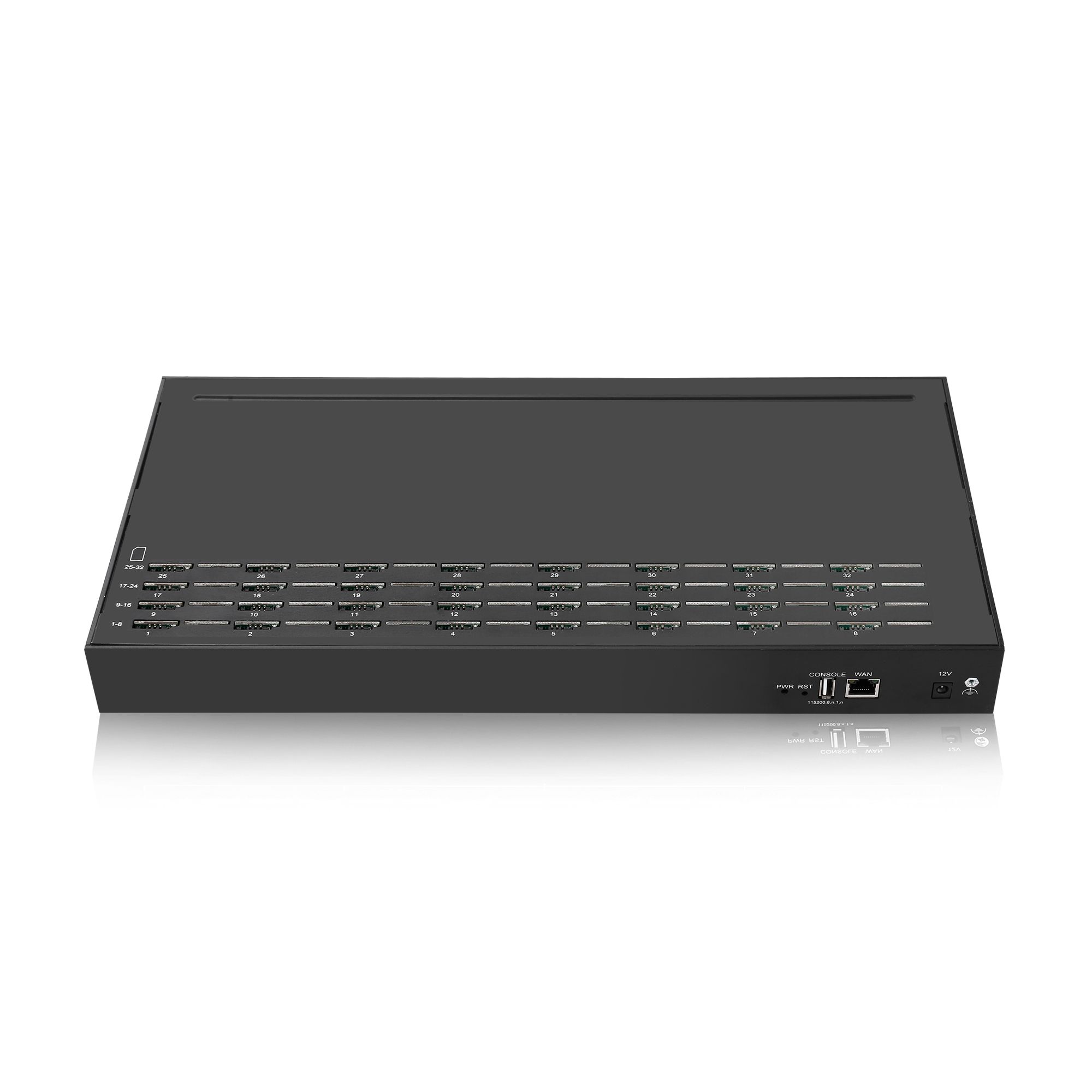
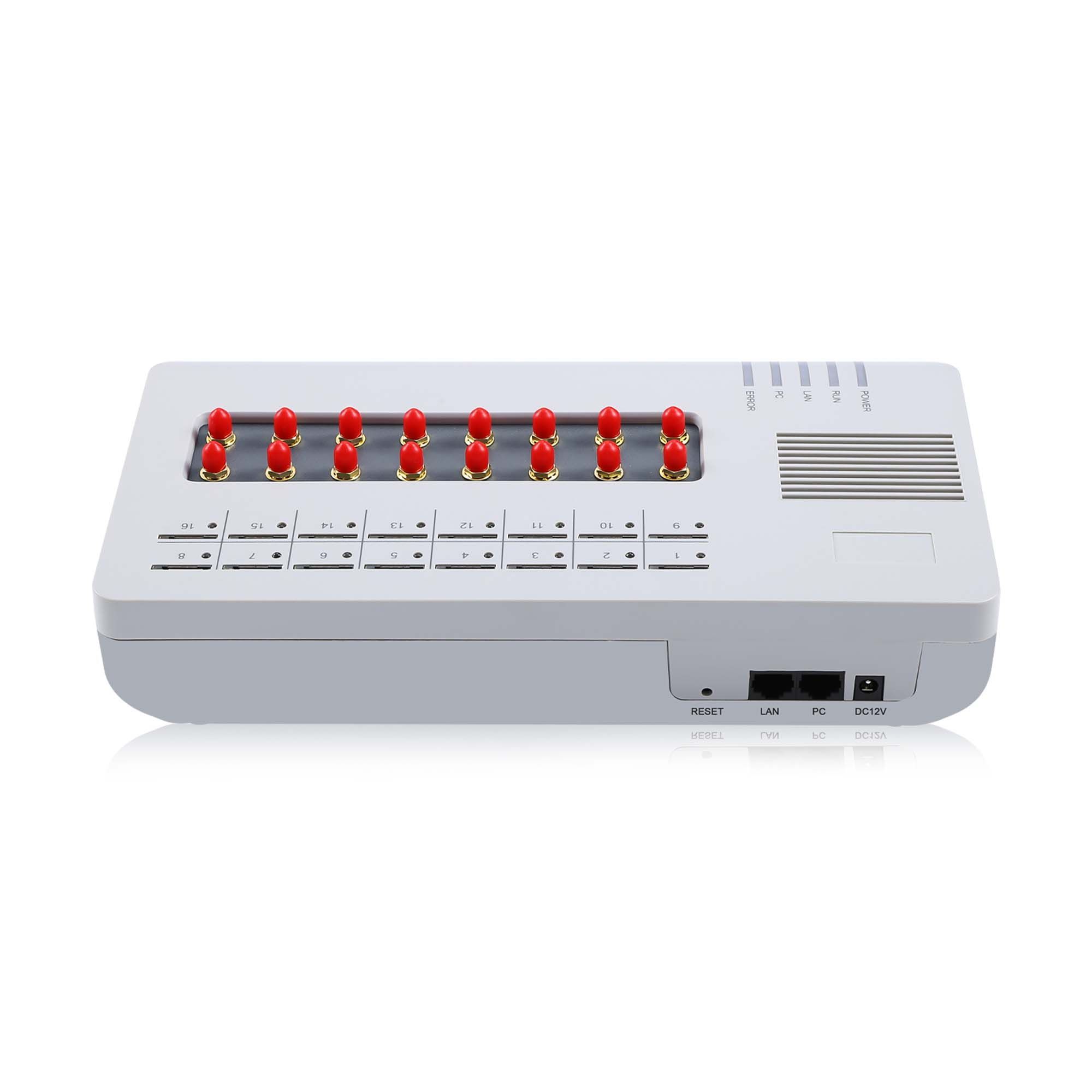
Have the image and the access path before you need them. Send your model list, current firmware versions and recovery constraints to service@telarvo.com, or review the published configurations on the SMS gateway solution page and the VoIP gateway range. Telarvo publishes the SK VOIP gateway range and the GoIP models on its product pages, and the configurations referenced above come from those listings.
FAQ
Is a gateway that failed an update permanently damaged?
Usually not. The common failure leaves the boot image incomplete while the platform underneath still works, which is what makes recovery modes effective. A device that shows no response at all to power or link is a different case and should be assessed before assuming the same remedy applies. Check whether the recovery interface responds before planning anything around the boot image.
Can recovery be done remotely?
Sometimes, but the reliable paths are local. Recovery modes typically expect a directly connected host, so the practical preparation is to keep the procedure and the correct image with whoever can reach the device physically. Remote recovery should be treated as a bonus rather than as the plan. Confirm the cable and adapter type in advance, because the missing item is usually the odd connector.
Will recovery erase the configuration?
It depends on the procedure and the platform. Some preserve the configuration store, and others reset it. Because you cannot know in advance, keep an export outside the device so that the answer does not matter. Where a configuration is restored from an export produced by an older version, reconcile it against the running state rather than applying it blindly.
How do we avoid this happening again?
Apply changes to a pilot unit first, confirm the image matches the exact model code, and treat an interrupted transfer as a stop condition rather than something to retry immediately. Exercise the rollback once so it is a tested procedure rather than a documented intention. Where the rollback has never been run, it is an assumption carrying the risk of the update.
{
“@context”: “https://schema.org”,
“@type”: “FAQPage”,
“mainEntity”: [
{
“@type”: “Question”,
“name”: “Is a gateway that failed an update permanently damaged?”,
“acceptedAnswer”: {
“@type”: “Answer”,
“text”: “Usually not. The common failure leaves the boot image incomplete while the platform underneath still works, which is what makes recovery modes effective. A device that shows no response at all to power or link is a different case and should be assessed before assuming the same remedy applies. Check whether the recovery interface responds before planning anything around the boot image.”
}
},
{
“@type”: “Question”,
“name”: “Can recovery be done remotely?”,
“acceptedAnswer”: {
“@type”: “Answer”,
“text”: “Sometimes, but the reliable paths are local. Recovery modes typically expect a directly connected host, so the practical preparation is to keep the procedure and the correct image with whoever can reach the device physically. Remote recovery should be treated as a bonus rather than as the plan. Confirm the cable and adapter type in advance, because the missing item is usually the odd connector.”
}
},
{
“@type”: “Question”,
“name”: “Will recovery erase the configuration?”,
“acceptedAnswer”: {
“@type”: “Answer”,
“text”: “It depends on the procedure and the platform. Some preserve the configuration store, and others reset it. Because you cannot know in advance, keep an export outside the device so that the answer does not matter. Where a configuration is restored from an export produced by an older version, reconcile it against the running state rather than applying it blindly.”
}
},
{
“@type”: “Question”,
“name”: “How do we avoid this happening again?”,
“acceptedAnswer”: {
“@type”: “Answer”,
“text”: “Apply changes to a pilot unit first, confirm the image matches the exact model code, and treat an interrupted transfer as a stop condition rather than something to retry immediately. Exercise the rollback once so it is a tested procedure rather than a documented intention. Where the rollback has never been run, it is an assumption carrying the risk of the update.”
}
}
]
}