Port detection errors on a Linux modem server are usually reported as a hardware fault and are usually a naming or permission problem. Linux does not know what a modem is; it sees a serial device, hands it a name, and hands that name to whoever the rules allow.
This article covers how enumeration works, how to identify the command port among the interfaces a module presents, how to keep the name stable across restarts, how permissions and group membership break access without breaking detection, and the hub topology problems that make a working module invisible.
How does Linux enumerate a modem when port detection errors occur on a modem server?
As a serial device on a bus, nothing more.
The kernel recognises the interface, assigns it to a driver, and creates a device node; everything above that is your software’s problem.
The USB subsystem that handles the enumeration and the driver interfaces that expose it are documented in the kernel’s own USB driver documentation, and reading it once repays the effort when a device behaves unexpectedly. What matters operationally is that enumeration produces device nodes in an order determined by the bus and the driver, not by the physical arrangement of the equipment, which is why the name a device receives can change when the hardware is rearranged.
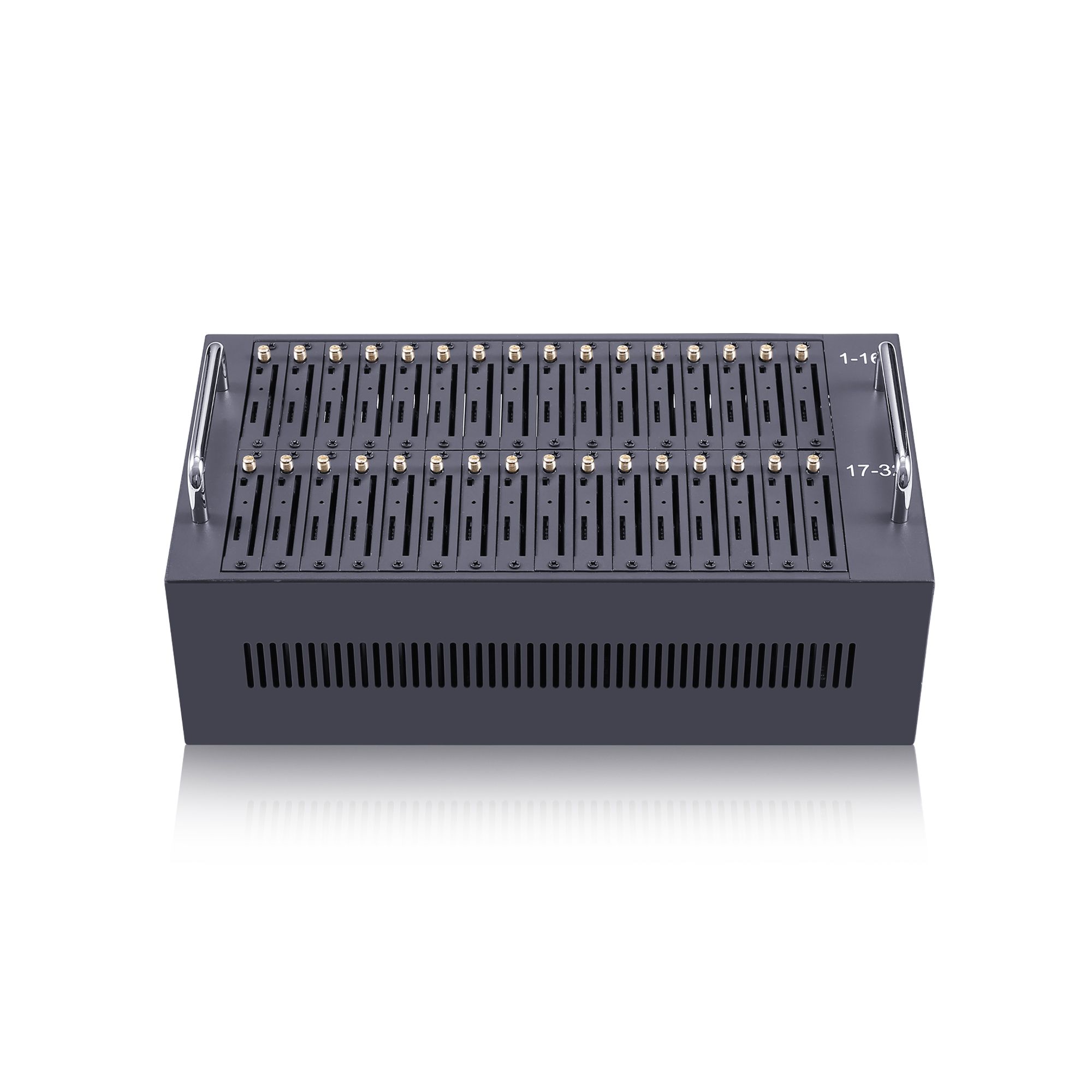
Modems present more than one interface, and not all of them accept commands. A typical module exposes one interface for command traffic, possibly another for data, and often one that is a control channel rather than a serial port. Treating the wrong interface as the command port produces timeouts and errors that look like a module fault, which is why identifying the right one is the first step rather than a refinement.
How do you find the command port among multiple interfaces?
By asking each candidate to identify itself.
Querying a candidate interface with a basic command and reading the response distinguishes the command port from the others in seconds.
The command set that modems and similar devices implement is standardised in ETSI TS 127 005, with the 3GPP equivalent at 3GPP TS 27.005, and it is worth knowing the small subset that every device answers, because that subset is the identification tool. A port that answers an identification query is a command port; a port that stays silent or returns an error is not, and the distinction should be recorded rather than remembered.
Record the mapping between physical position and device name when the installation is commissioned. The record is what allows a later problem to be diagnosed without unplugging anything: when the first slot stops responding, the question is whether its device name disappeared or whether its device name changed, and those two answers lead to different fixes.
| Observation | What it means | Where to look |
|---|---|---|
| No device node appears | Enumeration or power problem | Bus, hub and cable before the module |
| Node appears but does not answer | Wrong interface of several | Test each candidate command port |
| Node appears with a different name | Enumeration order changed | Stable naming rules |
| Node exists but access is denied | Permissions or group membership | Device rules, not the hardware |
Stable naming across restarts
A device name is a position, not an identity.
Names assigned in enumeration order change when hardware is added, removed or rearranged, so any software that stores them will eventually address the wrong device.
The remedy is to name devices by a property that belongs to the device rather than to its position. The rules system on a modern Linux distribution does exactly this, and the mechanism, including how rules are matched and how names are assigned, is described in the udev manual page, with the inspection tool documented separately at udevadm. Naming by serial number or by a physical port path gives a name that survives a reboot, a kernel update and a re-cabling.
Two consequences are worth planning for. The first is that a rule keyed on a property the device does not have will not work, so the properties actually available should be inspected rather than assumed. The second is that a replacement module will receive a new name unless the naming reflects its position deliberately, which is a decision rather than an accident: name by position where the position has meaning, and by device identity where the device has meaning.
One final habit avoids a whole class of confusing reports: name the module by the position the operator cares about, and record the mapping between that name and the physical slot. When a slot is reported as failing, the first question is whether its name moved or its device vanished, and a documented mapping answers that without touching the rack.
A second habit is to record what a healthy host looks like at the moment it is healthy. Device names, the interface that answers commands, and the user the service runs as are all trivial to capture at commissioning and impossible to reconstruct a year later, and they are the three facts every detection investigation starts from.
Permission and group configuration
Detection and access are separate failures.
A device can be present and enumerated while the service that needs it cannot open it, and the symptom is an error at start-up rather than a missing device.
Access to a serial device is governed by its ownership and permissions, and those are set by the same rules system that assigns names. Where a service runs as an unprivileged user, the rule has to grant access to that user or to a group the user belongs to. Granting broader access to make the problem disappear is a common shortcut and a poor one, because it removes the distinction between the process that needs the device and every other process on the host.
The interaction with terminal settings is the second half of this problem. Serial devices have attributes that determine how data is interpreted, and the relevant interface is described in the termios manual page. A port opened with settings intended for a terminal can mangle the data it carries, which produces errors that look like corruption rather than access failure, and this is worth checking before concluding that a module is faulty.
Hub topology as a detection cause
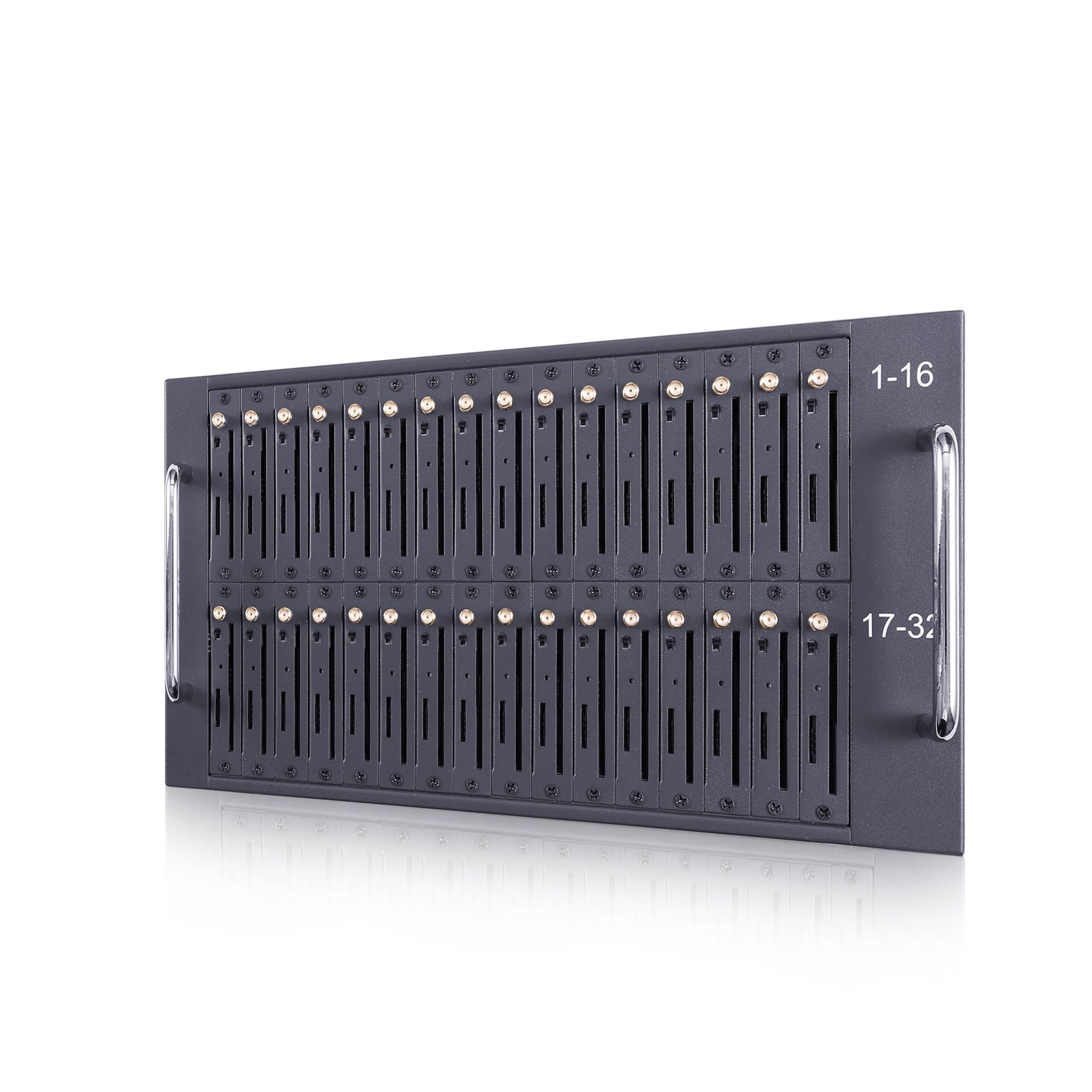
The bus has limits that a single-port test does not reveal. A host with many modules attached is a powered topology, and two properties of it cause intermittent detection failures. The first is power: a hub that cannot supply the current a group of modules draws during transmission will drop devices, and the drops look like software faults because the device reappears afterwards. The second is the bus itself, since devices attached behind a shared hub contend for the same upstream bandwidth, and heavy traffic on one can delay enumeration of another.
The remedies are structural rather than programmatic. Power the hubs rather than relying on the host, keep the number of devices per hub within what the hub declares it can support, and distribute modules across controllers where the host has more than one. Where detection failures cluster on one hub rather than on one module, the topology is the finding, and replacing modules will not change it.
What should you check before blaming the module?
Check the name, the permission and the port.
Three checks account for most reported module faults, and each is answered without touching the hardware.
Confirm the expected device node exists, confirm the process can open it, and confirm that a command sent to it receives a response. If all three pass, the module is reachable and the problem is above it; if any fails, the failing check identifies which layer to investigate. What this ordering prevents is the substitution that teaches nothing: replacing a module that was never reachable in the first place.
Keep a record of the check results at commissioning, because the value of the comparison later depends on having a baseline. Operational record-keeping for this kind of host-level evidence is covered in NIST SP 800-92, and the same principle applies at the scale of one server: a record of what a healthy host looked like is what makes an unhealthy one diagnosable.
A one-page diagnostic sequence
The sequence below is arranged so that each step eliminates a category rather than a guess. Work it in order and stop when the evidence fits, because skipping ahead to the configuration is what turns a fifteen-minute diagnosis into an afternoon of changes. One page is enough for the common cases; anything longer becomes a document nobody reads during an incident.
- List the present device nodes and compare with the commissioning record.
- Confirm the expected name exists; if it does not, check enumeration before permissions.
- Confirm the process can open the device, and identify which user or group it runs as.
- Send an identification command to each candidate interface and note which one answers.
- Check the hub arrangement and power for the affected group of modules.
- Change one thing, then repeat steps one to four and record the result.
Where the environment reaches the network for management, the service names and ports used are catalogued by the Internet Assigned Numbers Authority in its service name and port registry, which is the reference for choosing them deliberately rather than by habit.
Two habits make the sequence repeatable. Keep the commissioning record where the server team can find it, rather than in a project file, and note the date of each change to the rule set, because a naming problem usually appears after a change that nobody connected to it. With that record, most port detection failures are resolved in a single session rather than over several days of substitution.
Check the name and the permission before the module. Send your host topology, module count and current naming rules to service@telarvo.com, or review the published configurations on the SMS modem range and the SMS modem solution page. Telarvo publishes the SK-SMS gateway range, the TYH modem pools and the TGW SMS machine on its product pages, and the configurations referenced above come from those listings.
FAQ
Why does the device name change after a reboot?
Because names assigned in enumeration order reflect position rather than identity, and enumeration order can change. Naming devices by a property that belongs to the device, or to a deliberate position, gives a name that survives restarts. Any software that stores the default name will eventually address the wrong device. A naming rule is therefore a configuration item rather than a convenience.
The port exists but the application cannot open it. Is the module faulty?
No. A device that exists and cannot be opened is a permissions problem, not a hardware one. Check which user the service runs as and whether the device rules grant that user or its group access. Widening permissions for everything on the host is the wrong fix for the same reason it always is. Confirm the rule matches the stable name rather than the enumeration name.
Can a faulty hub look like a faulty modem?
Yes, and the pattern is the giveaway. Where detection failures cluster on modules attached to one hub rather than on one module, the topology or its power is the finding. Modules that reappear after a drop are usually losing supply or contention rather than failing. Recording which hub each failure occurred on turns the observation into a diagnosis. The hub arrangement also determines how much current each branch supplies, which is the number to check next.
What should be recorded at commissioning?
The mapping between physical position and device name, the interface that answers identification commands, the user or group the service runs as, and the hub arrangement. With that record, a later fault is diagnosed by comparison rather than by substitution. Add the kernel version, because enumeration behaviour can change with an update. Include the enumeration name as well, so that a later reader can see how the two names diverge after a restart.
{
“@context”: “https://schema.org”,
“@type”: “FAQPage”,
“mainEntity”: [
{
“@type”: “Question”,
“name”: “Why does the device name change after a reboot?”,
“acceptedAnswer”: {
“@type”: “Answer”,
“text”: “Because names assigned in enumeration order reflect position rather than identity, and enumeration order can change. Naming devices by a property that belongs to the device, or to a deliberate position, gives a name that survives restarts. Any software that stores the default name will eventually address the wrong device. A naming rule is therefore a configuration item rather than a convenience.”
}
},
{
“@type”: “Question”,
“name”: “The port exists but the application cannot open it. Is the module faulty?”,
“acceptedAnswer”: {
“@type”: “Answer”,
“text”: “No. A device that exists and cannot be opened is a permissions problem, not a hardware one. Check which user the service runs as and whether the device rules grant that user or its group access. Widening permissions for everything on the host is the wrong fix for the same reason it always is. Confirm the rule matches the stable name rather than the enumeration name.”
}
},
{
“@type”: “Question”,
“name”: “Can a faulty hub look like a faulty modem?”,
“acceptedAnswer”: {
“@type”: “Answer”,
“text”: “Yes, and the pattern is the giveaway. Where detection failures cluster on modules attached to one hub rather than on one module, the topology or its power is the finding. Modules that reappear after a drop are usually losing supply or contention rather than failing. Recording which hub each failure occurred on turns the observation into a diagnosis. The hub arrangement also determines how much current each branch supplies, which is the number to check next.”
}
},
{
“@type”: “Question”,
“name”: “What should be recorded at commissioning?”,
“acceptedAnswer”: {
“@type”: “Answer”,
“text”: “The mapping between physical position and device name, the interface that answers identification commands, the user or group the service runs as, and the hub arrangement. With that record, a later fault is diagnosed by comparison rather than by substitution. Add the kernel version, because enumeration behaviour can change with an update. Include the enumeration name as well, so that a later reader can see how the two names diverge after a restart.”
}
}
]
}