Updated
Compare the complete system: cellular endpoint, subscription, host, sending software and business application. A phone can be appropriate for a supervised task; a USB modem can support a controlled automated workflow; a modem pool can add channels. None becomes a production messaging platform merely because its enclosure contains more SIM slots.
SMS modem vs USB dongle vs smartphone: what should buyers compare?
Compare the complete sending workflow and its dependencies.
Identify who queues messages, handles errors and restores service. The enclosure or SIM count does not prove application integration, delivery reporting or unattended reliability.
The terms overlap. A USB dongle can itself contain a cellular modem, while an SMS modem pool can present several USB-connected modem interfaces to a computer. A smartphone combines its modem with an operating system, user interface and applications. The useful distinction is how each complete arrangement is controlled and maintained.
Write the required workload and the responsible owner before choosing a device category. A receptionist sending occasional messages manually has a different requirement from an application sending scheduled notifications overnight. Compare the evidence for those tasks rather than declaring one category universally professional and another unusable.
The Telarvo SMS modem collection offers TYH USB pools with bundled SMS Caster software. That product context does not establish Ethernet management, SMPP or a particular application API. Obtain the supplied software edition and interface specification before assigning those capabilities to a modem pool.
Compare the system boundaries side by side
Evaluate each option with the same fields: host dependency, supported control interface, unattended operation and recovery. The table describes procurement questions rather than guaranteed features of every product sold under a category name. Exact hardware and software remain decisive.
A larger enclosure can reduce the number of separate physical devices while leaving a shared host as the main dependency. Conversely, a single managed device may fit a low-volume process well if its owner and recovery procedure are clear. Architecture should follow the business task.
| Option | Sending control | Main shared dependencies | Evidence to request |
|---|---|---|---|
| Smartphone | User interface or permitted application | Phone OS, app, charging, subscription and user policy | Supported automation, permissions and supervision model |
| USB cellular dongle | Exposed modem interface and host software, if supported | USB connection, drivers, computer and application | SMS capability, driver versions and reconnect behaviour |
| USB SMS modem pool | Multiple modem interfaces plus compatible software | Pool power, USB topology, host and scheduler | Channel mapping, software edition, status and recovery |
| Network SMS gateway | Documented network service | Gateway, LAN, application and carrier service | API specification, security, queue and status lifecycle |
The network gateway appears as a boundary comparison, not a fourth recommendation for every project. Do not purchase its complexity unless the interface and operational requirements justify it.
When does a smartphone fit the sending task?
A phone fits a supervised workflow with clear limits.
Confirm the approved app, permissions, selected SIM and user responsibilities. A manual messaging task and an unattended application service require different acceptance conditions.
For an occasional appointment follow-up, a managed handset may be a sensible endpoint when staff can inspect the conversation and respond. Keep the business number, device ownership and contact handling separate from an employee’s personal accounts. Define how another staff member takes over when the usual user is absent.
Automation adds dependencies. Android’s SmsManager documentation describes SMS APIs, subscription selection and permission conditions. That is not permission for any third-party app to obtain unrestricted messaging access, nor proof that a particular app satisfies distribution or enterprise policy.
Test the approved workflow on the exact OS and handset. Include a restart, an app update and the intended idle state. Check whether the user must unlock or interact with the device to resume work. If these interventions are acceptable for the task, document them; if not, select an arrangement whose unattended operation is supported and demonstrable.
Verify a USB dongle’s SMS interface before buying
A product advertised as a mobile-data dongle may expose a network connection without the modem control interface your SMS software expects. Ask specifically about SMS support, supported command interfaces and the host operating systems. Do not infer messaging capability from a SIM slot or a working internet session.
Obtain the driver and installation requirements for the exact device revision. On a representative computer, confirm that the sending software discovers the intended interface, submits a message and receives the expected result. Also test inbound messages if replies form part of the workflow.
The host is part of the purchase. Sleep settings, updates, account permissions and physical USB access can affect availability. Establish whether the software runs as an unattended service or requires a logged-in user, and how it reconnects when the dongle is removed and reattached.
A single dongle can be useful for a controlled integration proof. Keep the proof narrow: successful submission from that host does not validate a future multi-modem topology. Retain the tested driver, software version and device identity so an apparently identical replacement can be checked against the same baseline.
Specify a modem pool as a host-connected system
A USB modem pool adds several cellular endpoints under one physical arrangement. The scheduler, queue and delivery interpretation may still live on the computer. Determine which functions are provided by the hardware, bundled software and your own application; avoid treating the pool as a standalone network appliance without evidence.
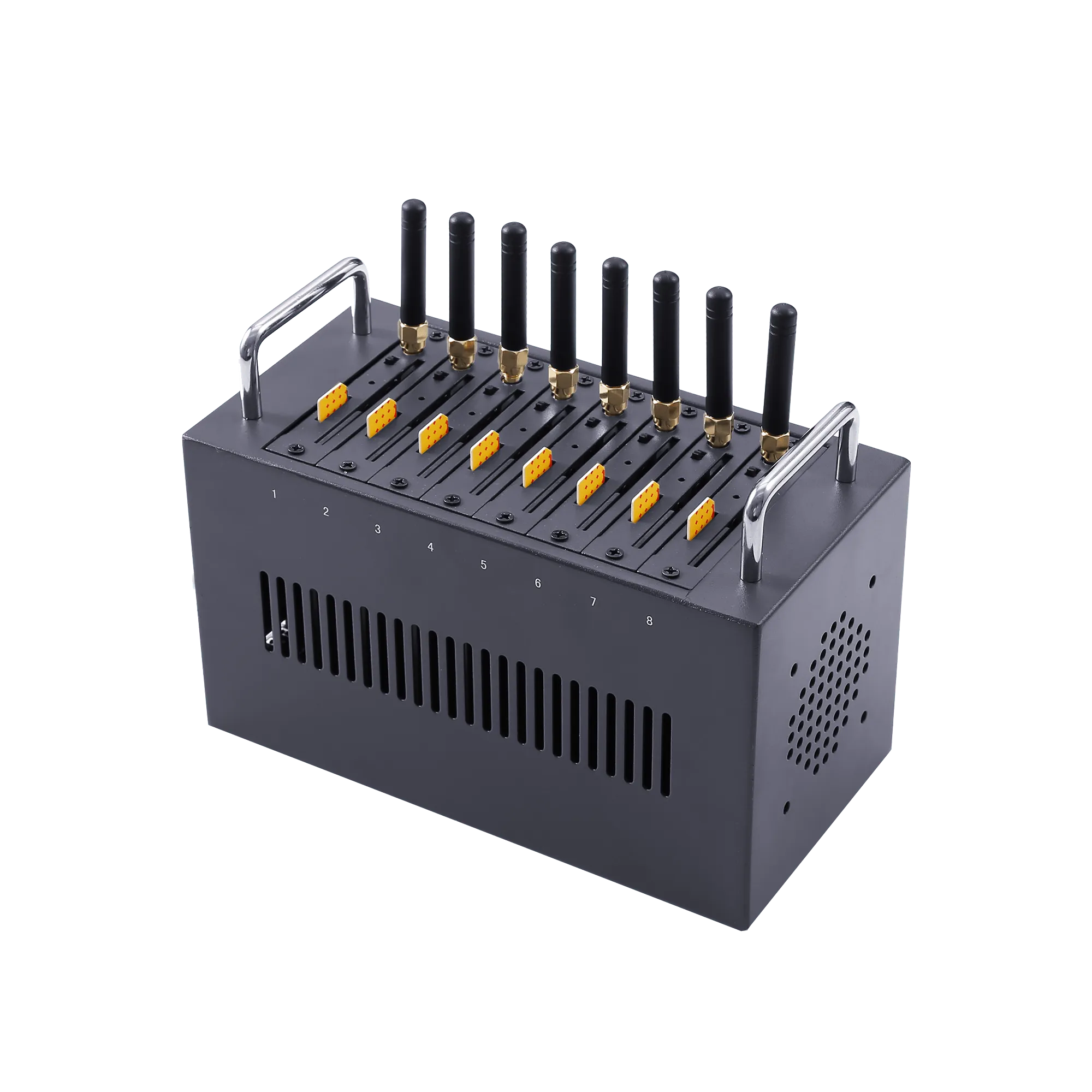
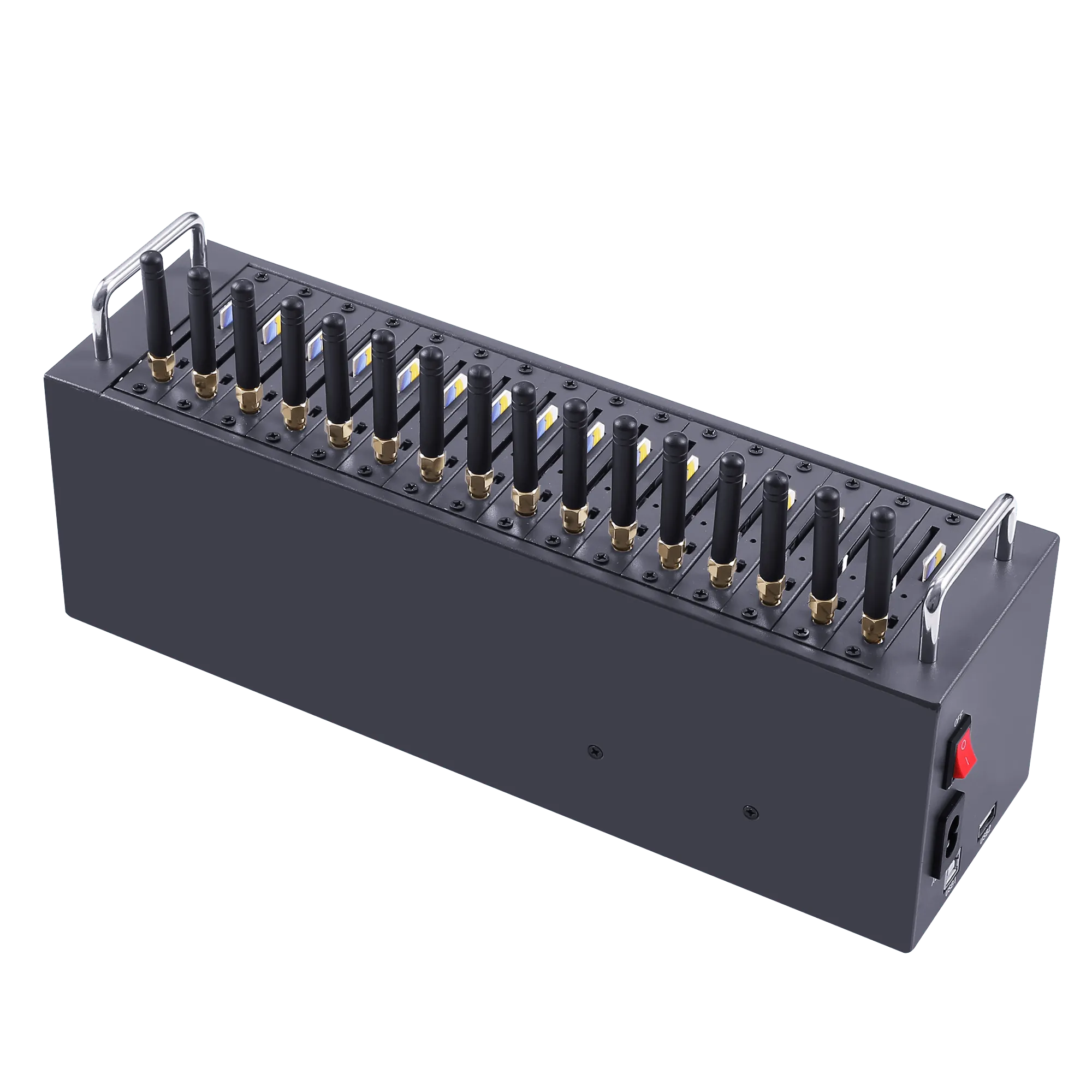
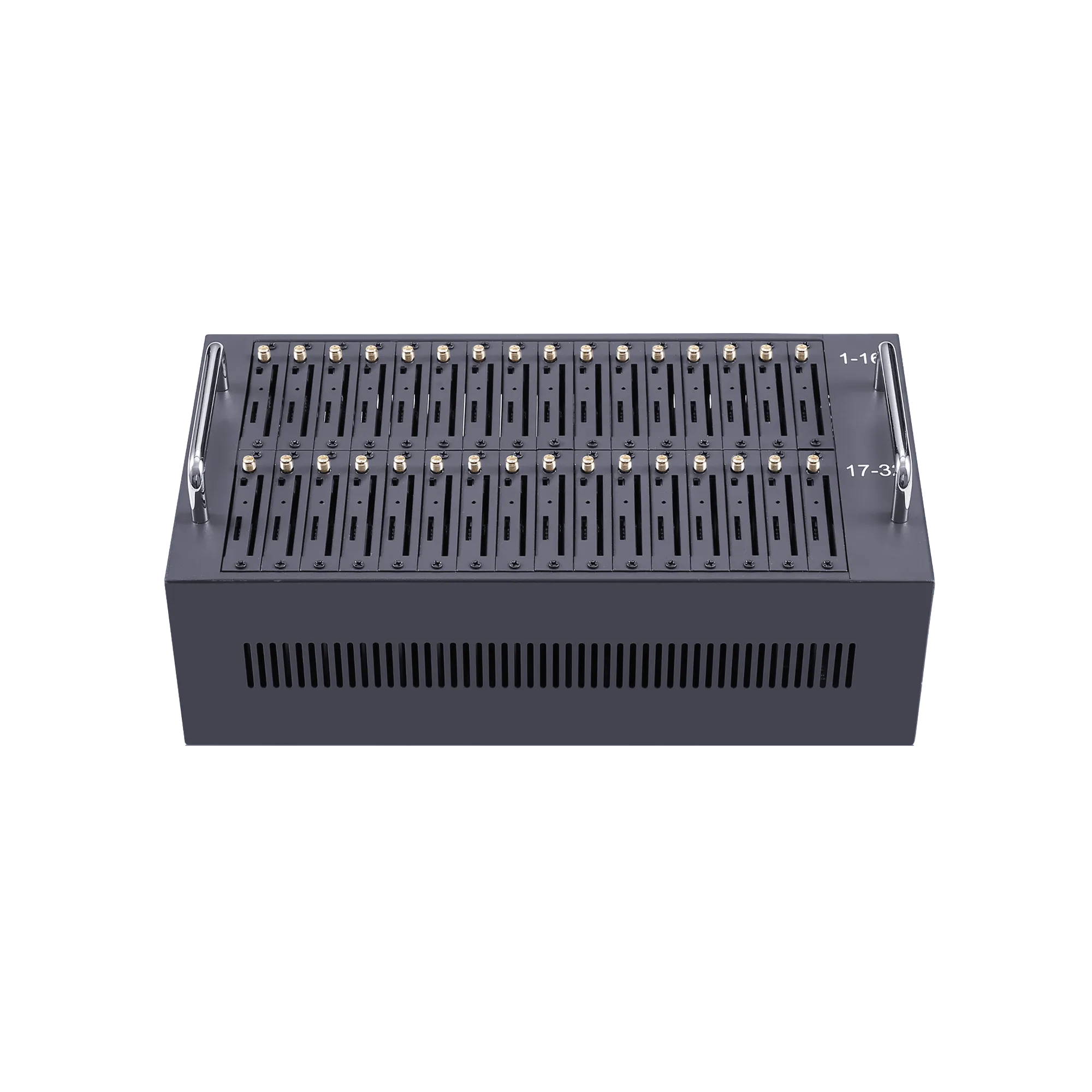
Telarvo’s TYH range includes 8-, 16-, 32- and 64-port USB SMS modem pools. Select the initial channel count from a documented workload rather than copying a catalogue maximum. Ask how the software addresses each modem and how stable that mapping remains after a restart or reattachment.
Define the required host resources and supported USB topology using supplier guidance. A powered hub, extension cable or shared port arrangement can change the installation from the one tested by the supplier. Validate the final arrangement with all intended endpoints active and the approved power supplies fitted.
Also establish software licensing and recovery. Can a replacement computer restore the configuration, channel labels and application connection? What work remains on the original host? Those answers can make a smaller, well-supported system more useful than a larger pool whose operation depends on an undocumented workstation setup.
Track a business message through the actual status lifecycle
The sending application should be able to explain what happened to each job. Distinguish created, queued, submitted, rejected and any available delivery outcome. A command acknowledgement from a modem is not automatically evidence that the recipient received or read the message.
Twilio’s outbound status documentation demonstrates why separate stages matter. Its states belong to that provider’s interface. For a phone, dongle or modem pool, obtain the actual status meanings from the selected software and device instead of copying a cloud API’s vocabulary and guarantees.
Assign a business job identifier and preserve the device or channel involved, submission time and result. The implementation should distinguish a terminal failure from an unknown result. Unknown does not mean safe to resend, particularly when the previous submission may already have reached the modem or network.
If the workflow needs delivery reports, test that exact function with the intended carrier and software. Document when reports can be absent or inconclusive. Do not convert a missing report into a confirmed failure or a confirmed delivery merely to simplify a dashboard.
Estimate capacity with the actual content and channel availability
Count encoded segments as well as business messages. Twilio’s character-limit guide explains common single-part and multipart behaviour. Content changes, including Unicode characters, can alter the number of segments even when the application still considers the item one notification.
Use an authorised test set containing the real templates, destination types and submission pattern. Measure queue time, submission outcomes and available delivery evidence. Report which stage determines the acceptance deadline. A fast export of jobs into a queue is not a delivered-throughput result.
More channels can increase available resources, but usable capacity depends on the scheduler, host, subscriptions and carrier service. Do not multiply a single-channel result by the pool’s full size without testing the concurrent arrangement. Shared USB and software behaviour may change under load.
For a small process, the most useful capacity threshold may be whether every scheduled batch finishes before staff begin the next task. For an event-driven application, tail delays and expiry can matter more than average throughput. Define the threshold from the operation rather than looking for one universal messages-per-minute figure.
Test reconnects and duplicate prevention before unattended use
Create a controlled interruption while a known set of authorised jobs is in progress. Record which jobs have definitive results and which remain uncertain. Restore the endpoint or host, then observe whether the software resumes, replays or loses work. Avoid using sensitive or urgent customer transactions for this test.
A robust recovery procedure reconciles uncertain submissions before resending them. Determine whether the software offers stable job identifiers or a supported query mechanism. If it does not, document the limitation and design an application-level process appropriate to the consequences of duplication.
Test a host restart separately from a device restart. The same modem can return under a different interface name, and the application may need a supported way to rediscover it. Verify that channel labels still identify the correct subscriptions, especially where several business numbers share one pool.
Keep an operator procedure for unresolved jobs. A small system may use supervised reconciliation; a larger one may need automated controls. The important requirement is that the workflow does not silently treat every restarted connection as a fresh, empty channel while previous transactions remain unaccounted for.
Protect the SIM, host and message content together
Restrict access to the physical endpoint and the software that controls it. A locked modem cabinet provides limited protection if an unrestricted workstation account can export recipient lists or trigger sends. Likewise, a secured application does not protect a removable SIM from unauthorised physical use.
ETSI TS 102 221 describes the subscriber interface. Subscriber credentials and application permissions operate at different layers; neither substitutes for controlling the other. Define who may replace SIMs, change routes and view message content.
For any network connection added by the software, specify authentication and supported transport protection. RFC 8446 defines TLS 1.3, but its existence does not establish that bundled software supports it. Require a product-specific answer and protect the local host and stored data independently.
Use retention periods appropriate to the business task, and avoid keeping message bodies when outcome metadata is sufficient. Keep bulk exports and backups under the same access policy. Do not place a sensitive receiving or sending workflow on an employee’s personal device merely because it is already available.
Compare ownership cost, including the computer and operator
The relevant cost is the complete workflow over the planned operating period. Include hardware, host, software licensing, subscriptions, maintenance, replacement and staff effort. A phone already owned by the business can still incur provisioning, supervision and support costs; a USB pool can still require a dedicated host.
Record the interventions the pilot actually required. Reconnecting a cable, selecting the right SIM or restarting a desktop app may be acceptable at low volume, but frequent interventions can overwhelm the apparent hardware saving. Price the required service level rather than dismissing every manual task as unacceptable.
Avoid inventing a volume threshold for moving from phone to dongle to pool. The transition should follow the workflow’s unmet condition: unattended operation, more active channels, reliable integration or better recovery evidence. A low-volume but important notification process may justify stronger controls before its message count becomes large.
The Telarvo SMS gateway collection provides another architecture to assess if the required network interface is missing from a USB arrangement. Keep the SMS gateway solution as integration context; do not assume it describes the TYH software bundle.
Migrate the workflow without losing numbers or queued work
Before changing endpoints, identify subscriptions, outstanding jobs, inbound conversations and application credentials. Decide when the old sender stops accepting new work and how unresolved jobs are reconciled. A hardware replacement should not create two active schedulers unintentionally sending the same batch.
Test a small authorised workload on the new arrangement and compare identifiers, statuses and message content with the application’s expectations. If replies are required, confirm their routing to the right operator or system. Outbound success does not establish continuity for inbound conversations.
Preserve the original configuration until the new workflow meets acceptance. Record any required driver, permission or software differences. A shared AT-command vocabulary does not guarantee identical behaviour, and smartphone automation cannot be assumed to transfer directly to a modem-control application.
Use the Quectel module selection guide when the migration also changes radio generation. Keep that engineering decision distinct from the host and workflow decision. A newer modem can still be part of an unreliable arrangement if the scheduler and recovery procedure remain untested.
Purchase the arrangement that can be supported in daily use
Name the daily owner and the replacement owner in that record. Have the replacement owner recover a controlled test using the written procedure before handover. If the process depends on a personal login, an undocumented cable order or knowledge held only by the original installer, resolve that dependency while the system is accessible. This is a practical acceptance check for a small business and can be more revealing than another successful batch sent by the person who built the setup.
Approve a phone for a supervised task when its ownership and user workflow are suitable. Approve a dongle when its SMS interface, host and recovery meet the requirement. Approve a pool when the additional endpoints and software can be operated together without unexplained queue or mapping behaviour.
Keep a short acceptance record containing the actual workload, status meanings, restart results and operator responsibilities. That record provides stronger evidence than category labels such as consumer-grade or appliance-grade. It also lets a replacement or software update be evaluated against known operating conditions.
The objective is a sending workflow that can be explained, maintained and restored by the team responsible for it. Choose the smallest complete arrangement that satisfies those conditions, then expand only where measured demand or a new service requirement justifies the change.
Request a Telarvo SMS modem workflow review with your host OS, sending application, required interfaces and message workload. Ask for the exact TYH configuration, software edition and a representative recovery test.
FAQ
Can a smartphone’s hotspot connection make it an SMS gateway?
No. A hotspot supplies an internet connection to another device; it does not by itself expose a supported SMS submission or reception interface for an application. If a separate app offers that function, evaluate its permissions, security, status meanings and operating requirements independently. Test the complete workflow on the intended phone and software version. Keep the data-sharing function and messaging-control function distinct so an application is not purchased around an interface that the handset never actually provides.
Can a spare USB modem be used immediately after the original fails?
Only when the spare is compatible with the accepted host, driver, software and subscription arrangement. Check its exact revision and exposed interfaces before treating it as interchangeable. The replacement may need discovery, channel mapping or configuration work, even if both products use similar enclosures. Keep a tested spare procedure with the system record. A stored replacement reduces recovery time only when the team knows how to restore the business workflow rather than merely connect another USB device.
What happens to replies after moving a SIM to another sending device?
The subscription number may remain the same, but the application receiving messages can change. Verify where new replies are stored, how they are retrieved and how conversations are associated with the original jobs. Export any required history through an approved method before retiring the old endpoint. Do not assume message storage on a phone or computer follows the SIM. Include inbound reception and operator access in the migration test if replies are part of the business service.
Should a sending host also be used for ordinary office work?
That depends on the workflow’s availability and access requirements. Shared use can introduce sleep, updates, user sessions and software changes that affect sending. If those interruptions are acceptable and controlled, a shared host may fit the task. If the process must run unattended, specify an appropriate managed host and service arrangement. Document who may change settings and how recovery works. The decision should follow the operational requirement, not an assumption that every modem installation requires a dedicated computer.