This is one of the few hardware topics where the top search results have nothing to do with hardware at all. The query is dominated by cloud documentation, because the phrase is used far more often to describe configuring a proxy on a server than to describe buying an appliance that provides one.
That gap is useful, because it means a buyer who genuinely wants hardware must define the requirement themselves. This guide covers what an HTTP and HTTPS proxy gateway does, how ports and authentication are configured across them, how an HTTP proxy differs from SOCKS5 on the same device, and what to verify before accepting delivery.
What does an HTTP proxy gateway provide that a server does not?
Addresses that terminate on hardware you control.
A software proxy forwards traffic using whatever address the host already has; an appliance provides addresses of its own through cellular connections.
The distinction matters whenever the address itself is the requirement. Where a workload must appear to originate from a particular mobile network or a particular market, software running on a data centre host cannot produce that, because the address belongs to the data centre rather than to a mobile operator. A gateway with its own SIMs produces addresses that belong to the networks those SIMs are registered on.
The second difference is operational. A software proxy shares its host with everything else on that host, so its behaviour is affected by unrelated load. An appliance has its own compute and its own thermal envelope, which makes its behaviour more predictable under sustained use and easier to reason about during an incident.
The third difference is the cost model. Software on existing infrastructure has a low marginal cost and a variable quality ceiling; an appliance is a capital purchase whose addresses are yours exclusively. Which is better follows from whether consistency or marginal cost dominates the deployment.
How should ports and authentication be configured?
One port per address, authenticated and not bypassable.
The configuration is simple in principle and produces most of the operational problems in practice.
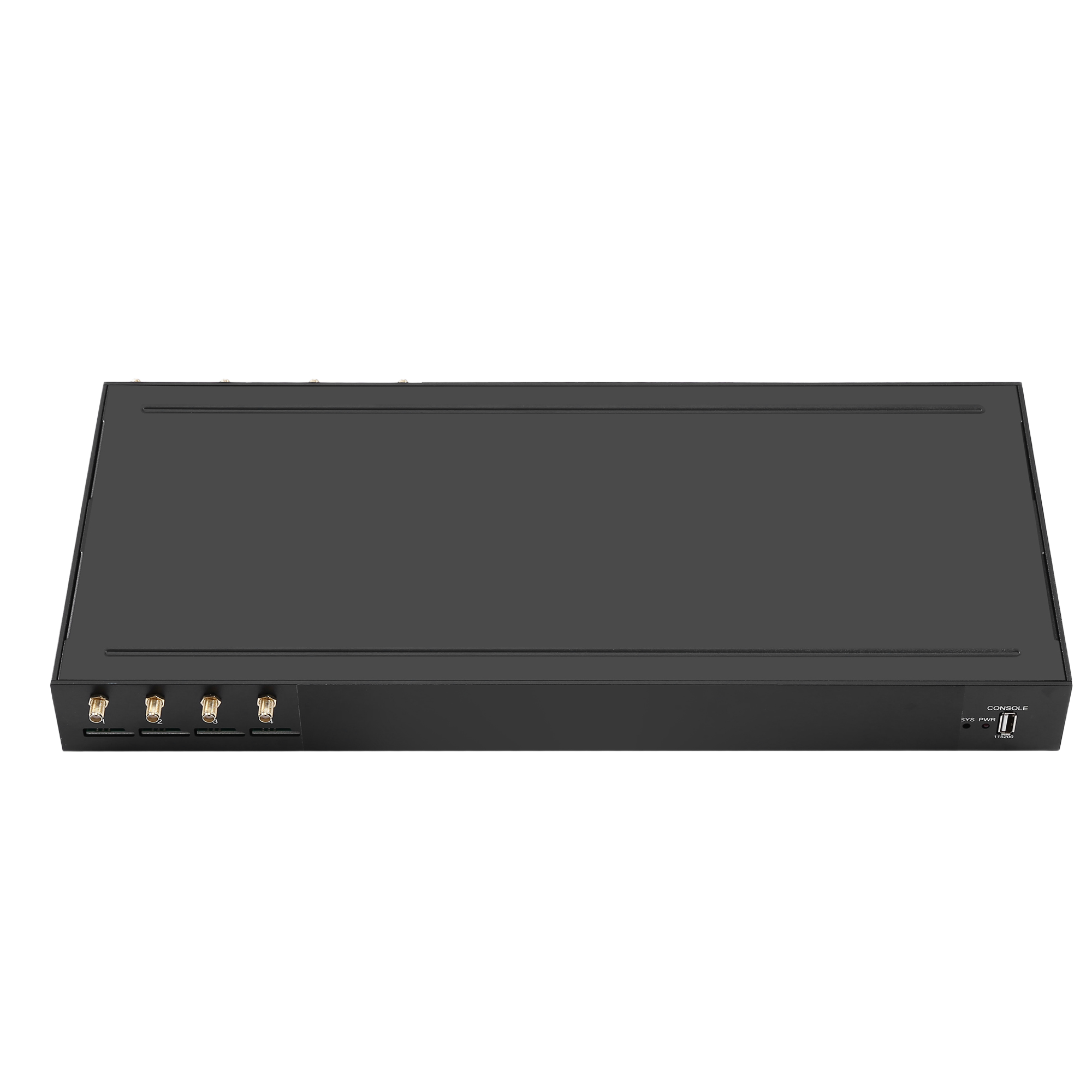
The published SK Multi-WAN models provide 4, 8 or 16 ports at $410.00, $760.00 and $1,380.00 respectively, each port representing a distinct address. The natural configuration is one listener per port, which makes attribution trivial: activity on a port belongs to the address that port provides. Pooling several addresses behind one listener is possible on some devices and destroys that association, which is why it should be a deliberate choice rather than a default.
Authentication deserves more attention than it usually receives. Three properties matter. The method should be one your clients support without modification. Credentials should be per user or per team rather than shared, because a shared credential makes attribution impossible. And the device should reject unauthenticated requests rather than falling back to anonymous access, which is the configuration error that turns an internal tool into an open relay.
Where the deployment is reachable from outside a private network, the path to it should be protected independently of the proxy authentication. Current transport security guidance, such as NIST SP 800-52 Revision 2, describes the protocol versions and cipher suites that should no longer be offered, and many appliances still ship with those defaults enabled.
How does an HTTP proxy differ from SOCKS5 on the same device?
One understands requests; the other understands connections.
The difference determines which clients can use the device and how much of the traffic it can interpret.
| Property | HTTP / HTTPS proxy | SOCKS5 proxy |
|---|---|---|
| Layer | Application, understands requests | Connection, carries any TCP traffic |
| Client support | Native in most browsers and tools | Requires client support or a wrapper |
| Protocol coverage | Limited to what it understands | Protocol agnostic |
| Visibility | Can report request-level detail | Reports connection-level detail |
| Typical use | Web workloads and inspection | Non-web clients and mixed protocols |
The HTTP specification that governs how requests are formed and forwarded is RFC 9110, and the SOCKS5 behaviour on the same device follows RFC 1928. Reading both clarifies what a device claiming support for each should actually do, which is useful when a datasheet lists protocol names without describing the implementation.
Where a deployment serves both browser-based and non-browser clients, dual protocol support on one appliance avoids running two estates. The verification step is to confirm the two functions coexist rather than to assume that a device supporting each separately supports both at once.

How does NAT affect what the far end sees?
It may translate the source, or hide it.
Translation behaviour determines whether the address your client expects is the address the destination observes.
Address translation on the path is normal, and the ranges that should never appear on a public path are defined in RFC 1918. The behaviour of the translation device is described in RFC 3022. Where the deployment requires a specific source address to be visible, the translation layer must be configured to preserve it rather than to replace it, and that requirement should be tested from outside the network rather than assumed.
The test is straightforward: connect through a specific port to an endpoint that reports the observed address, and compare it with the address that port is documented to provide. Where the two differ, a translation layer is rewriting the source, and the deployment will not behave as designed for any workload that depends on the address.
Where the addresses are assigned by a mobile network rather than by your own equipment, the assignment is outside your control and may change. The private ranges referenced above are your own internal addressing; the public address presented to the internet belongs to the operator and is subject to their assignment policy.
What should be verified before acceptance?
Protocol behaviour, authentication, and stability.
A device that passes each test in isolation may still fail them in combination.
- Per-port identity. Confirm each port presents the address documented for it, tested from outside the internal network.
- Authentication enforcement. Attempt an unauthenticated request and confirm it is rejected rather than served.
- Protocol coexistence. Use an HTTP client and a SOCKS5 client against the same device and confirm neither disrupts the other.
- Session behaviour. Hold a long-lived session and confirm it survives the rotation policy configured on the device.
- Logging sufficiency. From the device record alone, attribute one specific request to a port, a user and a timestamp.
- Sustained load. Run all ports concurrently for long enough to reach thermal steady state, then repeat the identity test.
Item two is the one with security consequences, and it is the most common configuration defect on any proxy appliance. Item six is the one with operational consequences at higher port counts, because thermal behaviour under sustained load is what separates a deployment from a recurring investigation.
How should the device be kept up to date?
Firmware changes behaviour after acceptance.
An appliance that passes every test on the firmware it shipped with can behave differently after an update, and the update is usually applied months later by somebody who was not present at acceptance.
Three practices reduce the risk. Record the firmware version alongside the acceptance results, so that a later comparison is between two known states. Apply updates to one device before the estate, and repeat the protocol and authentication tests on that device before rolling out. And keep the previous firmware available for reversion, because a security update that breaks the workload is worse than no update until it is understood. Where the deployment must meet a transport security requirement, the guidance in NIST SP 800-52 Revision 2 describes the protocol versions and cipher suites that should no longer be offered, and appliance defaults frequently still include them.
A final acceptance point is worth recording explicitly: the state of the device as accepted. Serial number, firmware version, configuration and test results together form the reference against which every later change is compared, and without them a behaviour change after an update is indistinguishable from a behaviour change after a network change.
Conclusion
An HTTP and HTTPS proxy gateway exists to provide addresses that belong to networks you choose, on equipment you control, with behaviour that does not vary with unrelated load on a shared host. Configuration is largely mechanical — one listener per address, authentication that cannot be bypassed, and a protected path to the device — and the differences between models appear in port count, logging detail and thermal headroom.
The comparison that matters against a software proxy is not price but consistency. Software on existing infrastructure has a lower marginal cost and shares its behaviour with everything else on the host; the published appliance range steps from four ports at $410.00 through eight at $760.00 to sixteen at $1,380.00, and the value of each step is an additional address that behaves predictably under load. Verification should include an unauthenticated request that must fail and a sustained load run that must not change the result.
Verify the protocol and authentication behaviour on the firmware you receive. Send your client types, authentication method and concurrent address requirement to service@telarvo.com, or review the published models on the proxy gateway solution pages.
FAQ
Do I need an HTTP proxy or a SOCKS5 proxy?
Choose HTTP or HTTPS when your clients are browsers or tools that speak the protocol natively and you want request-level visibility. Choose SOCKS5 when your client is not a browser or when the traffic is not HTTP. Where the estate serves both, a device supporting both avoids running two appliances, provided you verify that the two functions operate together on the firmware you receive.
Why does the address seen by a website differ from the one configured?
Something on the path is translating the source address. Check the translation layer between the device and the internet and confirm it is configured to preserve the address rather than replace it. Testing from outside your own network with an endpoint that reports the observed address is the reliable way to detect this, because internal testing hides the translation.
Is an unauthenticated proxy a security risk?
Yes, and it is the most common configuration defect on any proxy appliance. An unauthenticated listener reachable from outside your network is an open relay that can be used by anyone who finds it, and the activity will be attributed to your infrastructure. Require authentication, keep credentials per user rather than shared, and confirm that an unauthenticated request is rejected during acceptance.
How many ports do I need for a small deployment?
Start from the number of distinct addresses your workloads must use simultaneously rather than from data volume. A deployment that needs four addresses in parallel is served by the four-port configuration at $410.00 regardless of how much it transfers in a day, while one that must keep separate addresses for separate teams or customers needs one per group. Confirm the achievable session count by measurement.
{
“@context”: “https://schema.org”,
“@type”: “FAQPage”,
“mainEntity”: [
{
“@type”: “Question”,
“name”: “Do I need an HTTP proxy or a SOCKS5 proxy?”,
“acceptedAnswer”: {
“@type”: “Answer”,
“text”: “Choose HTTP or HTTPS when your clients are browsers or tools that speak the protocol natively and you want request-level visibility. Choose SOCKS5 when your client is not a browser or when the traffic is not HTTP. Where the estate serves both, a device supporting both avoids running two appliances, provided you verify that the two functions operate together on the firmware you receive.”
}
},
{
“@type”: “Question”,
“name”: “Why does the address seen by a website differ from the one configured?”,
“acceptedAnswer”: {
“@type”: “Answer”,
“text”: “Something on the path is translating the source address. Check the translation layer between the device and the internet and confirm it is configured to preserve the address rather than replace it. Testing from outside your own network with an endpoint that reports the observed address is the reliable way to detect this, because internal testing hides the translation.”
}
},
{
“@type”: “Question”,
“name”: “Is an unauthenticated proxy a security risk?”,
“acceptedAnswer”: {
“@type”: “Answer”,
“text”: “Yes, and it is the most common configuration defect on any proxy appliance. An unauthenticated listener reachable from outside your network is an open relay that can be used by anyone who finds it, and the activity will be attributed to your infrastructure. Require authentication, keep credentials per user rather than shared, and confirm that an unauthenticated request is rejected during acceptance.”
}
},
{
“@type”: “Question”,
“name”: “How many ports do I need for a small deployment?”,
“acceptedAnswer”: {
“@type”: “Answer”,
“text”: “Start from the number of distinct addresses your workloads must use simultaneously rather than from data volume. A deployment that needs four addresses in parallel is served by the four-port configuration at $410.00 regardless of how much it transfers in a day, while one that must keep separate addresses for separate teams or customers needs one per group. Confirm the achievable session count by measurement.”
}
}
]
}