The comparison between SOCKS5 and HTTP proxies is written about extensively and almost never in terms of hardware. The question a buyer actually faces is different: a device that claims both, and whether the two protocols coexist on it without one affecting the other or making attribution impossible.
This guide covers that operational question: how the protocols differ in behaviour, how ports should be allocated across them, how authentication should be configured so that access remains attributable, how client requirements differ, and what to test so that dual-protocol support is a verified capability rather than a datasheet line.
How do the two protocols differ in behaviour?
One carries connections; the other understands requests.
The difference determines which clients can use the device and how much of the traffic it can interpret.
| Property | SOCKS5 | HTTP / HTTPS |
|---|---|---|
| Layer | Connection | Application |
| Protocol coverage | Any TCP traffic | What the proxy understands |
| Client support | Requires client support or a wrapper | Native in most browsers and tools |
| Visibility | Connection-level detail | Request-level detail |
| Typical use | Non-web clients, mixed protocols | Web workloads and inspection |
The SOCKS5 behaviour is defined in RFC 1928, and the request semantics an HTTP proxy handles are described in RFC 9110. Reading both clarifies what a device claiming support for each should actually do, which is useful when a datasheet lists protocol names without describing the implementation.
The practical consequence of the difference is that a dual-protocol device serves two populations of client rather than the same client twice. A team running browser-based work and a team running non-browser tooling can share one appliance, which is the reason dual-protocol support is worth having at all.
How should ports be allocated across protocols?
Allocate per address, and keep attribution intact.
The allocation determines whether activity can be traced to a user and an address at the same time.
Two arrangements are common. A dedicated port per protocol per address, where each protocol has its own listener and the address is the same for both. And a shared listener that accepts either protocol on one port, which is convenient for clients and destroys the association between a port and a purpose.
The dedicated arrangement is the one to prefer where attribution matters, because activity on a port can be attributed to both a protocol and an address without further inspection. The shared arrangement is workable where the deployment serves a single user, and it becomes a problem as soon as a second consumer exists, because the log no longer distinguishes them.
A practical middle position is to dedicate ports per protocol per group rather than per address, so that a team’s SOCKS5 traffic and its HTTP traffic are distinguishable while the address estate is shared across the group. That keeps attribution at the level most investigations actually need.
How should authentication be configured?
Per-user credentials that cannot be bypassed.
Three properties make authentication useful rather than nominal.
The method should be one your clients support without modification, whether that is username and password or something stronger. Credentials should be per user or per team rather than shared, because a shared credential makes every action unattributable and cannot be revoked without affecting everyone. And the device should reject unauthenticated requests rather than falling back to anonymous access, which is the configuration error that turns an internal tool into an open relay.
Where the deployment is reachable from outside a private network, the path to it should be protected independently of the proxy authentication. The private ranges that should stay inside your network are defined in RFC 1918, and the transport guidance in NIST SP 800-52 Revision 2 describes the protocol versions and cipher suites that should no longer be offered, which many appliances still enable by default.
How do client requirements differ between the two?
Browser clients prefer HTTP; others need SOCKS5.
The distinction is practical rather than theoretical, and it determines which protocol a team will actually use.
Browsers and most web tooling speak the HTTP proxy protocol natively, which means configuration is a field rather than a wrapper. Command-line tools, database clients, and applications that use protocols other than HTTP generally require SOCKS5, and they either support it directly or need a wrapper that translates. Where a client supports both, the choice usually follows from whether request-level visibility is wanted.
The allocation consequence is that the number of ports a protocol needs follows from the number of clients using it rather than from the number of addresses. A team of five running non-browser tooling needs a SOCKS5 path for each, which is a group allocation rather than an address allocation, and the group is what the log should distinguish.
For deployments that also carry messaging, the device may expose SMS send and receive alongside the proxy functions, which is a separate capability rather than a protocol variant. Monitoring it belongs in the same log so that one investigation does not require two interfaces.

How do you keep the protocols from interfering?
Separate port groups and separate logs.
Interference is rarely a protocol problem and usually an allocation or logging problem.
Three practices prevent it. Assign a distinct port range to each protocol so that a misconfigured client fails visibly rather than being served by the wrong listener. Keep the log able to distinguish the two, because an investigation that cannot tell which protocol carried an interaction cannot attribute it. And test both protocols under load simultaneously, because a device that handles each in isolation may behave differently when both are active.
The failure mode to avoid is a shared listener that accepts either protocol, because it removes the ability to distinguish them without inspecting the traffic. Where a vendor offers that arrangement as a convenience, the convenience is real and the cost is paid at the first investigation.
What should be tested on both protocols?
Exercise both protocols on the same device.
A test that exercises one protocol proves that one protocol works.
- Protocol behaviour. Connect with a browser through HTTP and with a non-browser client through SOCKS5, and confirm each works.
- Authentication on both. Attempt an unauthenticated request through each protocol and confirm both are rejected.
- Attribution. From the device log alone, attribute one interaction to a protocol, a port and a user.
- Group separation. Confirm a client in one group cannot reach another group’s ports.
- Simultaneous load. Run both protocols concurrently long enough to reach thermal steady state, then repeat the protocol tests.
- Rotation interaction. Confirm a rotation affects the intended addresses and that sessions on excluded ports are unaffected.
Items three and five are the ones that distinguish a dual-protocol device from one that happens to support two protocols. Attribution is what makes the deployment operable, and simultaneous load is what reveals whether the two paths interfere in practice rather than on paper.
What should be recorded at handover?
Protocols, ports, auth, client config, results.
The record is what allows a client configuration to be reproduced without rediscovery.
| Item | What to record |
|---|---|
| Protocol map | Which port range serves which protocol, and for which group |
| Authentication | Method, plus which credentials belong to which group |
| Address map | Which address each group draws from |
| Client configuration | The settings each client type requires, including any wrapper |
| Rotation policy | Triggers and exclusions, per protocol where they differ |
| Test results | Protocol tests, authentication rejection, and the simultaneous-load result |
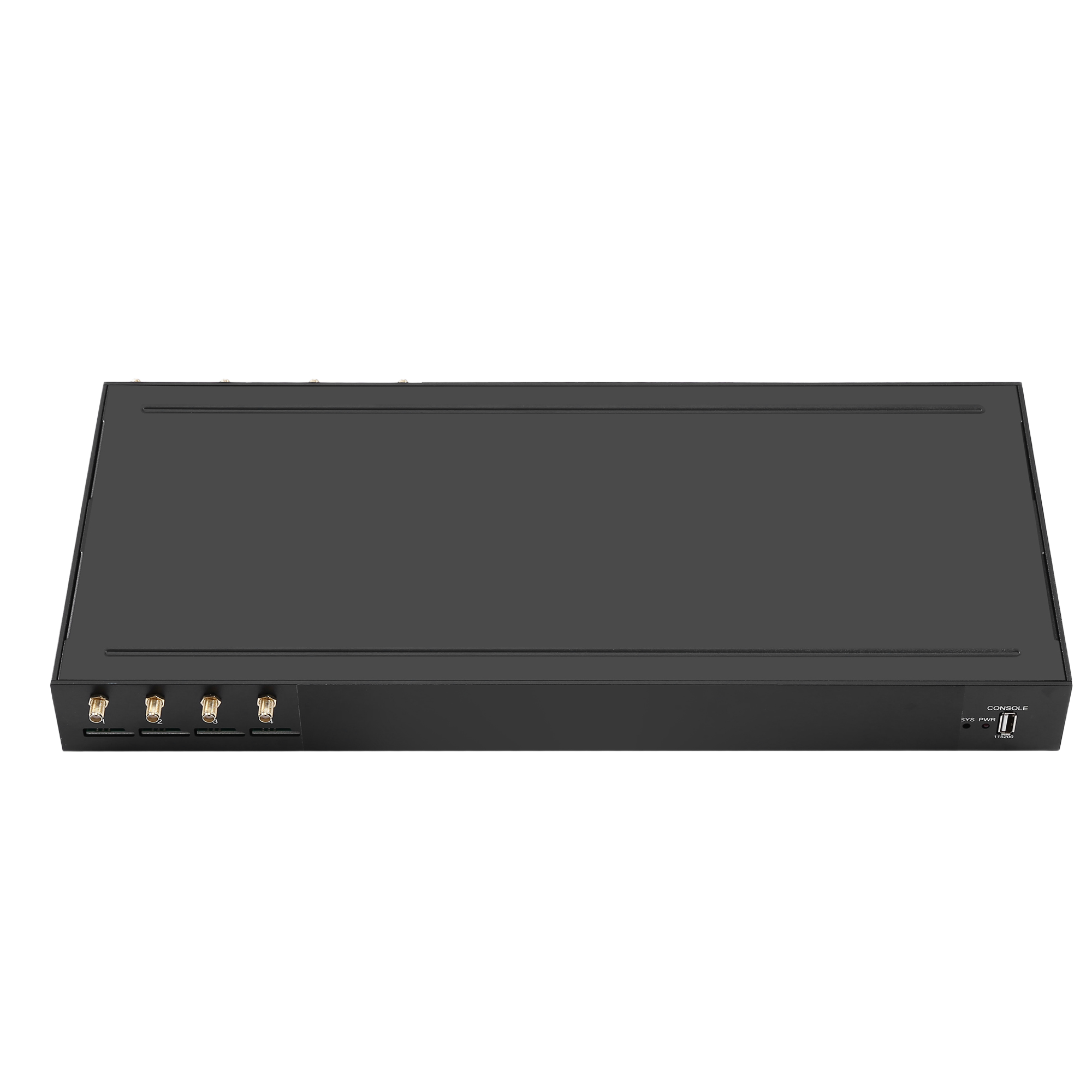
Where the deployment also carries messaging on the same device, record that capability alongside the protocols, because a later investigation may need to establish whether an interaction was proxy traffic or a message. The SK Multi-WAN range supports both from the four-port configuration at $410.00 upward, and the operational expectations for commercial messaging are described by M3AAWG.
A practical consequence of dual-protocol support is that the deployment needs one document rather than two. Client configuration, port allocation and authentication apply to the device rather than to the protocol, so a team that maintains separate records for each protocol will eventually find that one of them is out of date.
Where a client supports both protocols, record which it uses in production, because the protocol a tool supports is not always the one it selects by default.
Conclusion
Dual-protocol proxy hardware serves two populations of client rather than the same client twice, which is the reason to have it and the reason to allocate deliberately. SOCKS5 carries any TCP traffic and suits non-browser clients; HTTP and HTTPS understand requests and suit browser-based work with request-level visibility. The protocol behaviours are fixed by specification, so what varies between devices is allocation, authentication and logging.
Three properties make a dual-protocol deployment operable: a dedicated port range per protocol so that attribution survives, per-user credentials that cannot be bypassed, and a log that distinguishes the two without inspecting traffic. Testing both protocols simultaneously under load is what establishes whether they coexist in practice, and recording the client configuration alongside the address map is what allows a client to be set up later without rediscovery.
Test both protocols under load before accepting the device. Send your client types, protocol mix and authentication requirements to service@telarvo.com, or review the published models on the proxy gateway solution pages.
FAQ
Should I use SOCKS5 or an HTTP proxy?
Use SOCKS5 where the client is not a browser or the traffic is not HTTP, because it carries any TCP traffic without interpreting it. Use HTTP or HTTPS where the clients are browsers or web tools and request-level visibility is useful. A device supporting both allows one appliance to serve both populations, provided the port groups are dedicated so attribution survives.
Why does attribution matter on a proxy appliance?
Because without it, an investigation cannot establish who did what, and a security review cannot be answered. Dedicate ports per protocol and per group, keep credentials per user rather than shared, and confirm during acceptance that one interaction can be attributed to a protocol, a port and a user from the device log alone.
Can both protocols share one port?
They can on some devices, and it removes the ability to distinguish the two without inspecting traffic. The convenience is real and the cost is paid at the first investigation, when attribution depends on the traffic rather than on the configuration. Dedicating port ranges per protocol preserves attribution and makes a misconfigured client fail visibly.
Does running two protocols affect performance?
Each protocol in isolation is unremarkable; the question is whether they interfere when both are active. Run both concurrently long enough for the enclosure to reach thermal steady state, then repeat the protocol and identity tests. A device that handles each separately may behave differently at sustained combined load, and the difference appears as intermittent behaviour rather than a clean failure.