Updated
This page is a settings and validation guide. It focuses on what to change, what should remain enabled and how to confirm that the change worked. For the underlying service distinction, use the separate guide to whether SMS requires data roaming rather than treating every messaging failure as a data-setting problem.
Can you turn off data roaming but receive texts?
Yes, if your home line retains supported SMS service.
Disable data roaming on the receiving line, keep that SIM enabled and confirm its carrier connection. Incoming SMS price and overseas availability still depend on your plan.
The setting normally limits roaming internet use by that line. It does not by itself cancel the subscription or remove all carrier messaging service. Conversely, disabling the SIM profile, blocking all roaming on the account or replacing the home card can remove the receiving path you want to preserve.
Apple’s data-roaming instructions describe the internet-data control and the need to choose the relevant line on a dual-SIM device. Apply the change to the home line deliberately. A travel eSIM may have different requirements and may need its own data roaming enabled according to the provider’s instructions.
The acceptance check is receipt of a message sent to the existing home number. A working browser, messaging app or travel eSIM only proves another connection is available; it does not prove the home line can still receive ordinary carrier SMS.
Identify the receiving line before changing settings
On a dual-SIM phone, the visible signal or data icon can belong to the travel line. Identify the home number and carrier in the line settings, label both profiles clearly and check which one is currently enabled. A stored eSIM profile is not necessarily an active line.
Record the number used by each important account before deactivating or replacing anything. If a bank or business login sends codes to the home number, that line needs a supported receiving path. The local travel number does not inherit messages addressed to it simply because it supplies internet access on the same phone.
Confirm account-level international service separately from the device setting. A carrier can restrict roaming service even when the phone’s SIM toggle is on. Ask whether a supported data-only block is available if you want stronger billing protection while retaining texts; do not request a complete roaming block without clarifying the receiving requirement.
If a company manages the subscription or phone policy, establish who can change those restrictions. A local settings screen may not explain an administrator’s account-level block. Write down the intended configuration before editing so each change can be checked against the requirement rather than made from memory.
Change the home line’s data setting on iPhone
Keep the home line enabled and turn off its Data Roaming setting. Then choose the intended travel line for Cellular Data if one is installed. Menu names can vary by region and software version, so verify the selected line rather than following labels mechanically.
- Open Settings → Cellular/Mobile Service.
- Select the home-number line and leave Turn On This Line enabled.
- Open its data options and disable Data Roaming.
- Return to Cellular Data and select the travel line for internet use.
- Review Allow Cellular Data Switching and disable it if automatic use of the home data line is unwanted.
Apple’s dual-SIM guide explains separate line and data-selection controls. Check the default voice line too, because choosing a travel data line does not necessarily change the line used for a carrier call or SMS reply.
After applying the settings, inspect the home line’s service status and request one normal SMS from a trusted sender. Do not use a chargeable outgoing text or answered call as the first test when the requirement is receiving only. Keep the recorded configuration so it can be restored after further eSIM installation or troubleshooting.
Apply the same per-line logic on Android
Android manufacturers use different SIM manager, connection and mobile-network menus. The functional requirement remains the same: keep the receiving SIM active, limit roaming data on that SIM and choose the intended internet line. Do not assume that a screenshot from another handset maps exactly to your device.
Open the selected SIM’s network options and distinguish its enable/disable control from its data-roaming control. If the phone offers automatic data switching, backup data or a similar feature, establish whether it can use the home line when the preferred travel connection is unavailable. Review that behaviour before relying on a receiving-only arrangement.
Check which line is selected when starting a carrier text or call. A phone may remember the line used for a contact or conversation. The data line and sending line are separate choices, so changing one does not necessarily change the other.
Use the manufacturer’s instructions for the exact model when the available controls are unclear. Once configured, verify incoming SMS on the home number and confirm internet use remains on the intended alternative. If the phone cannot keep the required line combination active simultaneously, a different receiving arrangement may be needed; storing both profiles is not proof that both can operate at once.
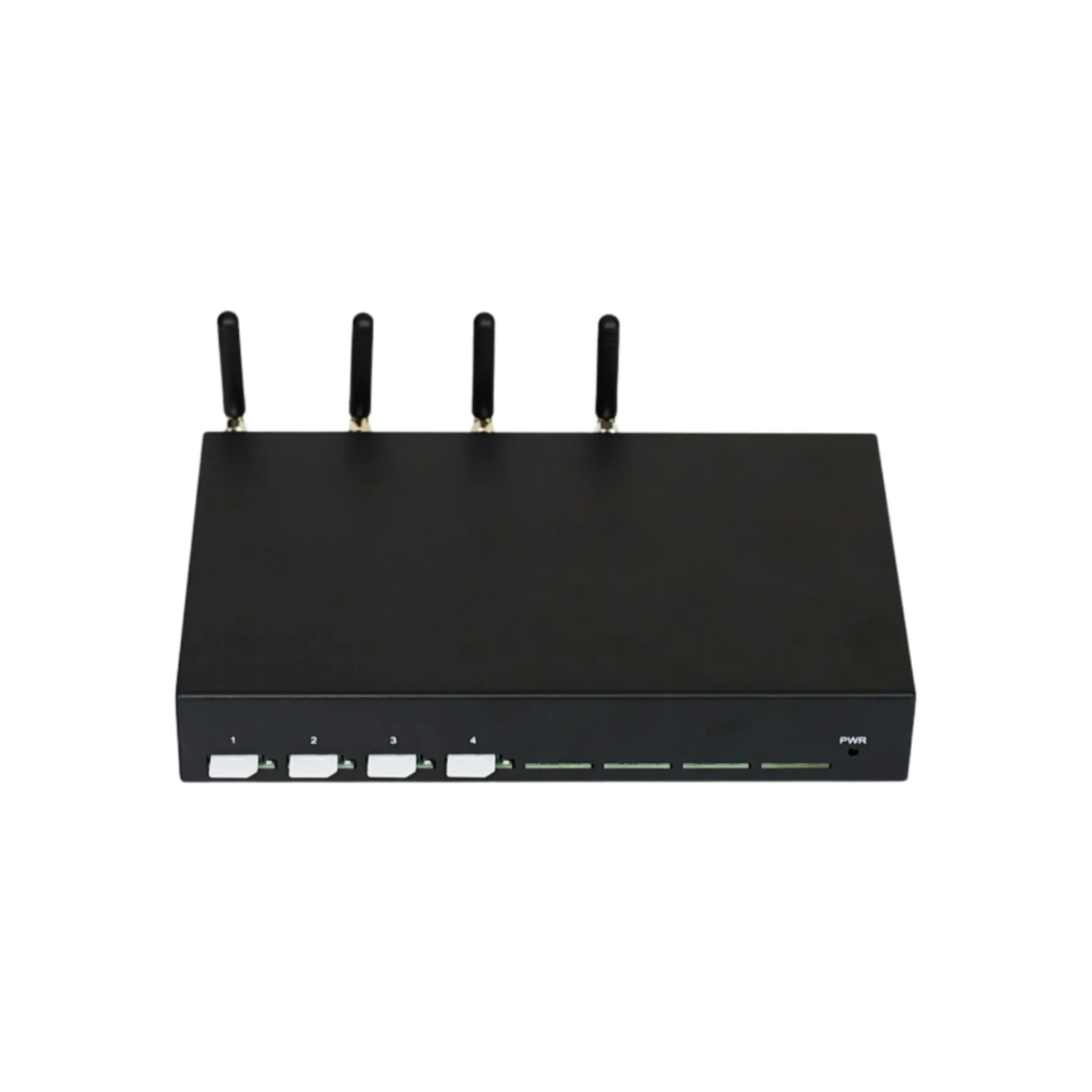
Which messages may stop when the home data path is disabled?
Internet messages need another working internet connection.
Ordinary SMS normally remains available through supported carrier service. App messages and rich messaging need internet access; MMS has carrier/device-specific requirements that should be checked separately.
Not every item displayed in the phone’s messaging application is an ordinary SMS. Check the conversation type, attachments and sender’s stated delivery method. Apple’s SMS, MMS, RCS and iMessage explanation distinguishes the services; a green bubble can represent more than one message type.
| Expected item | Receiving dependency | What to verify after the change |
|---|---|---|
| Plain carrier SMS | Active supported home-number service | Home-line status and a normal text test |
| SMS verification code | SMS path and sender’s successful delivery | Correct saved number and code validity |
| iMessage or app message | Internet and the relevant account session | Wi-Fi or travel data remains available |
| RCS conversation | Supported RCS service and internet | Application status and delivery method |
| MMS attachment | Carrier/device multimedia arrangement | Applicable MMS data requirements |
If only an attachment fails, investigate that message service rather than enabling all home-line data speculatively. If internet applications work but ordinary SMS does not, investigate the home line. These observations tell you which dependency changed.
Why can Wi-Fi Calling affect the result?
It may provide a supported home-number messaging path.
Carrier Wi-Fi service must be provisioned and active, and SMS support can vary. A Wi-Fi icon alone does not prove that the carrier number is reachable through it.
Enable the feature through the device’s supported process and confirm the carrier permits the required overseas service. Apple’s Wi-Fi Calling instructions describe activation and the carrier-service indicator. Test a plain SMS to the mobile number independently of an internet chat message.
Keep three observations separate: Wi-Fi is connected, carrier Wi-Fi service is active, and the required message is received. A hotel connection can provide browsing while the carrier service fails to establish. Conversely, a supported Wi-Fi SMS path can receive a message while the cellular roaming path is unavailable.
If the phone can use a second line’s data for the home line’s service, verify that exact carrier/device combination before relying on it. Do not infer the function from the presence of two SIMs. The travel data connection and home-number provisioning must both support the intended arrangement, and billing remains a separate carrier question.
Verify the change using a small, controlled test
Start with a plain incoming SMS and the selected home line. Record whether the line has service and whether the test arrives, then check one important account using its supported verification process. Avoid changing several settings at once, because a successful result would not identify which one mattered.
Use these acceptance checks:
- The home SIM remains enabled and the account remains active.
- Home-line data roaming is off.
- Wi-Fi or the intended travel line supplies internet.
- A plain SMS addressed to the home number arrives.
- The important account’s verification flow works or its specific failure is recorded.
- A supported recovery method is available if the number becomes unreachable.
If a carrier Wi-Fi path is involved, test it as a separate configuration and record the active indicator. If the phone displays the SMS on a linked device, identify where it first arrived rather than assuming the secondary display is the receiving endpoint.
After the test, restore the intended data and voice selections. Preserve only non-sensitive evidence such as the line label, timestamp and observed symptom; do not save verification codes in a general support record. A repeatable test is more useful than an unexplained temporary success.
Diagnose the result without undoing every protection
A failed receiving test does not automatically mean data roaming must be enabled. Compare home-line service, plain SMS, automated codes and internet messages before changing the configuration. Those comparisons identify a more specific next action.
| Observation | Likely area to inspect | Next controlled action |
|---|---|---|
| Home line shows no service | Account permission or supported network | Confirm destination roaming support |
| Plain SMS works; one code fails | Sender or account-specific route | Check saved number and request timeline |
| Apps work; no plain SMS | Home-number service | Inspect the home line, not the travel data icon |
| Plain SMS works; media message fails | Message type or multimedia service | Check MMS/RCS requirements |
| Message arrives late | Delivery delay or synchronization | Compare arrival time with code expiry |
Ask the carrier to investigate inbound SMS availability if the home line is registered but normal texts fail. Ask the account provider about its own verification route when only that sender fails. Keep both organisations’ responsibilities clear so the report does not reduce every failure to a roaming-data issue.
Changing the data toggle is a useful test only when the carrier or device documentation identifies it as relevant to the observed service. Otherwise, preserve the intended receiving-only setup and follow the layer that actually failed.
Does this setting prevent every roaming charge?
No; voice and messaging have separate charging rules.
Disabling home-line data roaming reduces exposure to roaming internet use. It does not establish free incoming texts, free calls or free outgoing replies under every plan and destination.
Verizon’s TravelPass FAQ illustrates separate charging events such as calls, outgoing texts and data use, including background data when enabled. Use it as an example of why the service categories matter, not a tariff rule for another carrier.
Confirm incoming SMS pricing and daily-pass triggers for your own account. Check the line used before replying to a text or answering a call. Internet applications can continue using the travel data connection, but a carrier SMS reply can still use the home subscription and its messaging tariff.
If a charge appears, inspect itemised usage before assuming the incoming code caused it. Record the service category, line and timestamp. A separate call or data session can occur near the message arrival. Correct the identified billing path rather than disabling the home number immediately and losing needed access.
Document the receiving-only setup for managed travel
For a company-owned phone, make the approved arrangement understandable to both the traveller and support desk. Record the receiving number, intended internet line, account-level restrictions and recovery owner. A short configuration record can prevent a well-intended support change from moving data use back to the home SIM.
Describe the desired outcome functionally: retain supported incoming SMS, keep home-line roaming data disabled, and use the selected alternative for internet. If the administrator applies a policy, document which services it blocks. Avoid vague instructions such as “turn roaming off” when they can mean disabling all international service.
Include the approved test and escalation evidence: ordinary SMS arrival, account verification result and any carrier Wi-Fi dependency. When an employee changes device or subscription, repeat the affected checks rather than assuming the old record still applies. Keep account recovery possible without exclusive reliance on the same receiving line.
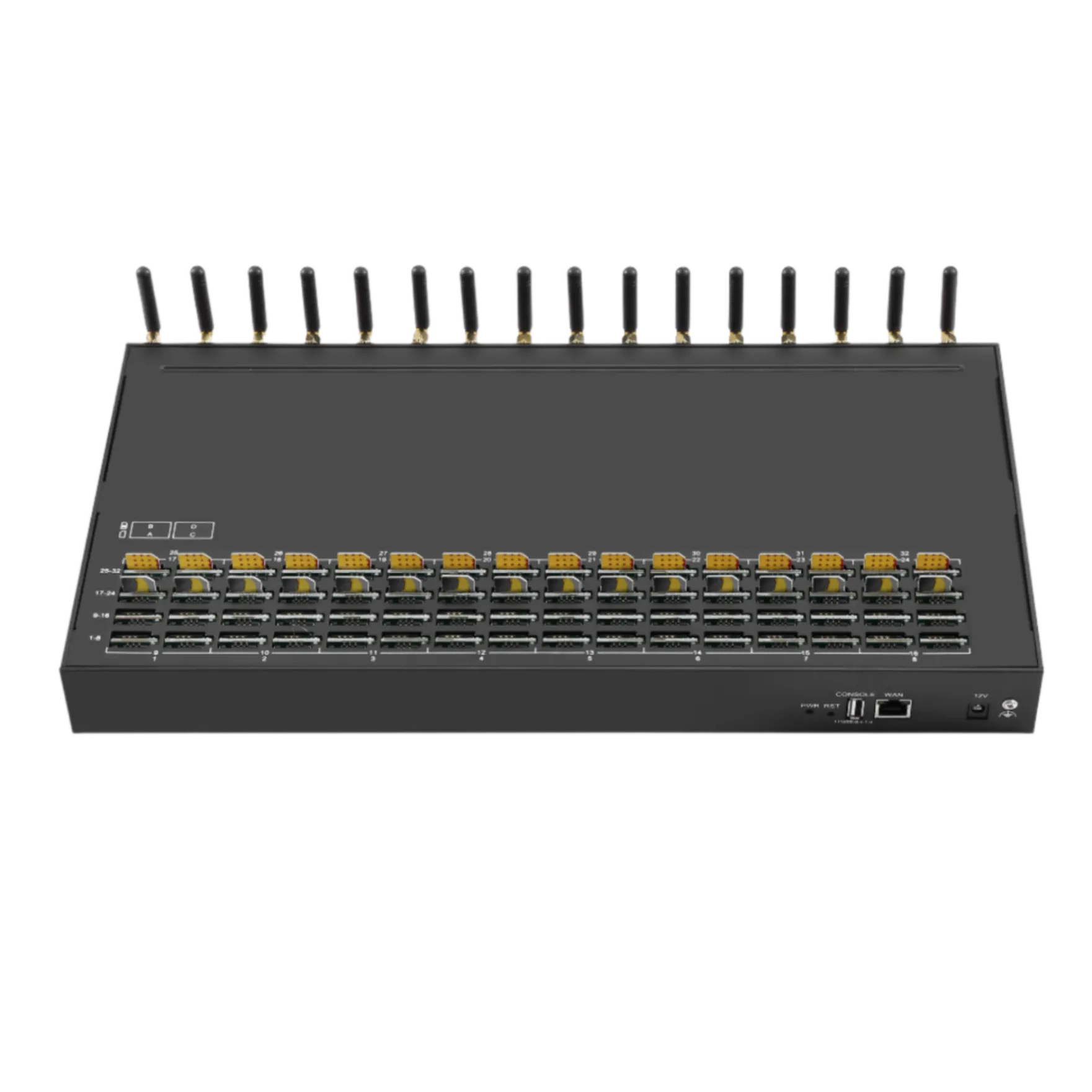
For business-owned numbers hosted on equipment, the Telarvo SMS gateway collection and SMS gateway solution concern a separate receiving architecture. A remote employee’s phone toggle does not control the gateway’s local cellular attachment. Choose that architecture only when company requirements justify it.
Keep the tested line configuration stable
For a managed trip, write the successful test as a small configuration record. Identify the home number, which line provides mobile data, whether the home line is enabled, whether its data roaming is disabled, and whether Wi-Fi Calling was actually used. Record the handset and software version because a menu label alone may not describe the same behaviour on another device. Keep account passwords and recovery codes outside this record.
When a later message does not arrive, compare the current configuration with that baseline before making several changes. A replacement travel eSIM, an automatic data-switch setting or a changed Wi-Fi network may have altered the working route. Check the selected receiving number and test a normal SMS from a trusted sender. Then identify whether the missing message is SMS, a data-based message or an authentication message subject to separate sender controls.
This record also makes carrier support more useful. Staff can explain what was working, what changed and which controlled test failed. It avoids a vague report that texting stopped abroad, and gives the carrier enough context to investigate line provisioning or roaming registration without assuming that enabling paid mobile data is the necessary first step.
The workable result combines an enabled receiving number, permitted carrier service and a separate internet choice. Turning off home-line data roaming normally preserves ordinary SMS while controlling that data path; it does not preserve a disabled line or convert app messages into SMS. The test must address the actual message type and number.
After a successful check, avoid unrelated settings changes immediately before an important verification attempt. Recheck line selections after installing another eSIM, changing phones or applying a managed-device policy. Use the saved configuration as a baseline and investigate one failing service at a time.
For personal travel, the phone and carrier arrangement may be sufficient. For an authorised company gateway workflow, establish the local receiving service and remote application access independently. Request a Telarvo receiving-workflow review with the intended numbers, carriers and access requirements if hardware is part of that business design.
FAQ
Can a reply send as SMS even when the conversation usually uses internet messaging?
Yes, depending on the application, fallback settings and service availability. Check the indicated sending method and selected line before replying abroad. A conversation that previously used an internet service can change behaviour when that service is unavailable. The home line’s data-roaming switch does not determine every messaging tariff. If receiving-only access is the objective, avoid relying on automatic fallback without understanding whether it sends a carrier message and which subscription will be billed for it.
Does an eSIM profile remain active merely because it is installed?
No. A phone can store a profile without enabling it for current service, and supported simultaneous-line combinations vary by device. Check the actual receiving line in the SIM settings and its subscription status. The travel profile supplying data may be active while the home profile is disabled. Do not delete or replace the home profile just to limit internet charges; first distinguish the line’s enablement control from the per-line data-roaming setting and preserve the required receiving path.
What if an employer blocks all international roaming?
Ask the administrator to clarify the service policy and the required receiving arrangement. A complete account-level roaming block can prevent the cellular SMS path even though the SIM remains enabled on the phone. A supported data-only restriction may behave differently, but the carrier and employer must confirm it. Do not bypass a managed-device policy. Establish an approved alternative for verification and document who can resolve an account restriction when the traveller is outside normal support hours.
Can a settings screenshot replace a receiving test?
No. It records a device control at one moment, not destination coverage, account permission or successful message delivery. Keep the screenshot as configuration evidence if useful, then test a plain SMS to the actual home number and the important verification flow. Record the result without capturing the code itself. Repeat relevant checks after a device, subscription or policy change. A phone can display the intended toggle positions while another dependency still prevents the receiving service from working.