The work of securing a GSM gateway from remote access is mostly a question about one interface: the management console. The messaging path is purpose-built and narrow, while the console is a general-purpose control point that can change routes, read logs and reconfigure the device.
This hardening guide covers the three ways to reach that console and what each one costs, what credential policy should look like on equipment that may outlive several staff changes, which transport options to retire, the logging that answers who changed what, and what to re-test after a firmware update.
Why is the management console the real attack surface?
Because it controls everything the device does.
A gateway’s messaging interfaces are limited to the operations they were designed for, while the console can alter routing, credentials and logging, which makes it the component worth protecting.
The asymmetry matters when you decide where to spend effort. Blocking the SMPP port to a set of source addresses is a sensible control, but the interface that can redirect every message is the console, and a console reachable from the internet is a control point reachable by anyone who finds it. Equipment in this category is often installed by an integrator, left with a default administrative account and a management interface on a public address, and then never revisited.
Two questions establish the exposure quickly. Is the console reachable from outside the local network, and by which paths? And who currently holds credentials to it? A deployment that cannot answer both from documentation is relying on the absence of an attacker rather than on a control.
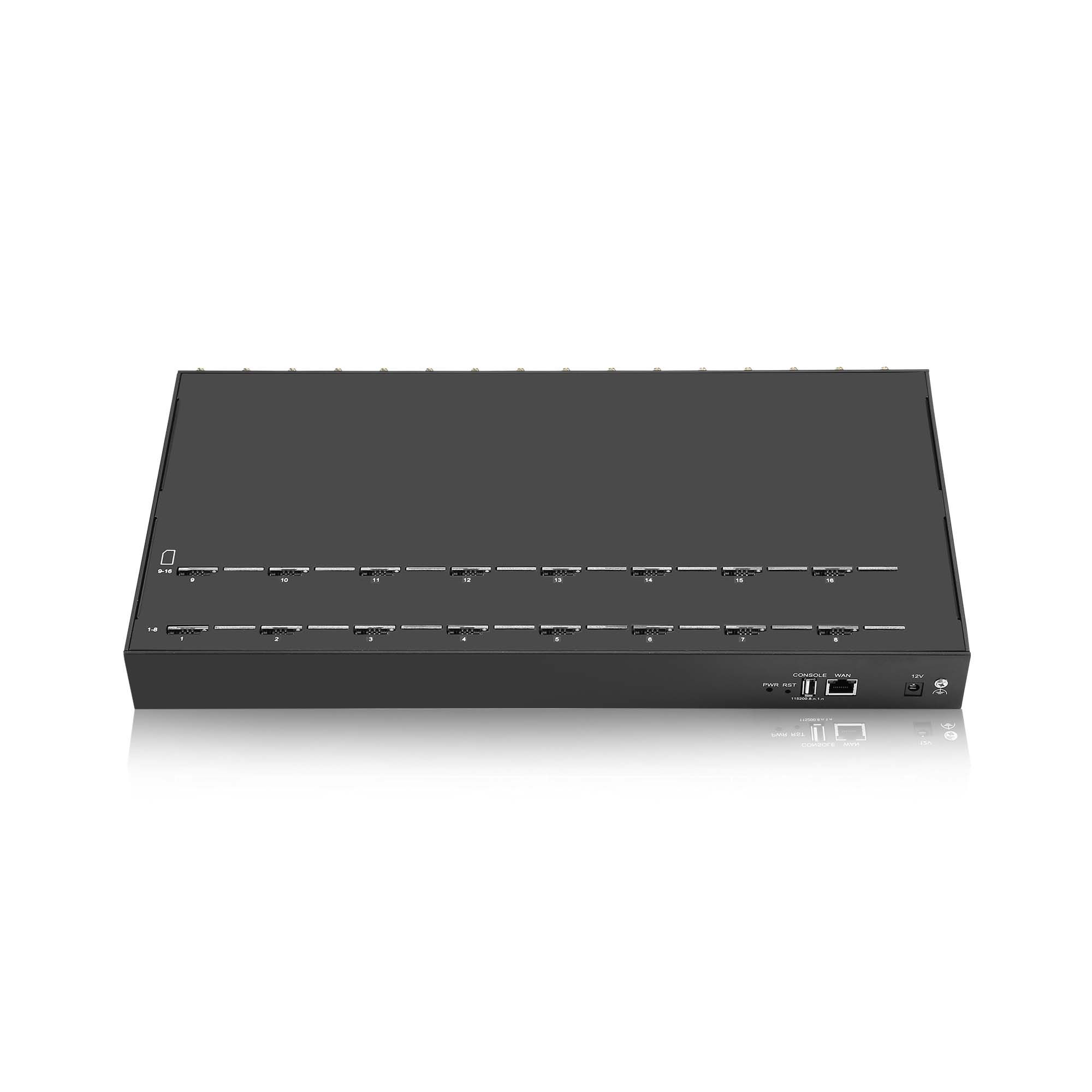
Three ways to reach the console when securing a GSM gateway from remote access
Local only, tunnelled access, and direct exposure.
Local access removes the remote attack surface at the cost of response time; a tunnel adds an authentication step and a dependency; direct exposure is the cheapest to operate and the hardest to defend.
Local-only management means an engineer connects on site or through a separate out-of-band path. Nothing about the console is reachable from the internet, which is the strongest position available and the one that fails operationally when the site is remote and the response window is short. Deployments that choose it usually pair it with detailed remote logging so that most investigations can be completed without touching the device.
Tunnelled access keeps the console off the public internet and puts it behind an authenticated path. The cost is a dependency: when the tunnel is unavailable the console is unavailable, and the tunnel becomes part of the incident rather than part of the remedy. Document the dependency explicitly, because it is the constraint that will be discovered at the worst moment otherwise.
Direct exposure is the option to avoid where anything else is possible, and where it is unavoidable the compensating controls are the ones in the rest of this article: individual accounts, strong authentication, transport encryption, restrictive source addressing and complete logging. None of those compensate fully, and the honest framing is that the device is being run in a degraded configuration.
| Access model | What it removes | What it costs |
|---|---|---|
| Local only | Public attack surface on the console | Response time; needs remote logging |
| Tunnelled | Direct exposure | A second system to keep available |
| Direct exposure | Nothing | Compensating controls and residual risk |
What should credential policy look like for a device console?
Individual accounts, no shared logins, and a second factor.
Console credentials should identify a person rather than a team, because an account that several people share makes every log entry unattributable.
The shared administrative login is the most common weakness in this class of equipment, and it is usually inherited rather than chosen: the device shipped with a default account, the integrator kept it, and the customer was never given a reason to change it. Replacing it is a fifteen-minute task with a disproportionate effect, because it converts the log from a list of events into a list of actions attributable to people.
Authentication strength is the second element. Guidance on authenticator assurance, including the treatment of memorised secrets and the move away from knowledge-based authentication, is set out in NIST SP 800-63B, and the practical implications for network equipment are modest: enforce length over forced complexity, block known-compromised values, rate-limit failed attempts and remove dormant accounts. Where the console supports a second factor, enabling it is worth more than any password rule.
Account lifecycle is the third element and the one most often forgotten. Equipment installed five years ago frequently carries accounts for people who have left, and an account that cannot be attributed to a current employee is a control gap regardless of how strong its password is. Review the account list on the same schedule as the firmware.
Two habits make the policy durable. The first is to issue accounts to roles rather than to individuals where a role legitimately outlives its holder, and to review the role membership instead of the account itself. The second is to record why each account exists, in one line, next to the account. An account with no stated purpose is an account nobody will remove, and that note is what makes the next review quick enough to actually happen.
Transport security, and what to retire
Encrypt the console path and remove anything that cannot be.
Plain management protocols should be replaced rather than restricted, because a restriction that depends on network position fails the moment the network changes.
The retirement list is familiar: unencrypted web management, clear-text command interfaces and any remote-shell service that carries credentials without protection. The replacement is a current transport protocol — the parameter registries maintained by the Internet Assigned Numbers Authority, including the TLS parameter registry, are the reference for which versions and cipher suites still belong in a deployed configuration. Where the console supports only an obsolete transport version, that constraint is worth recording as a limitation and compensating with access restrictions.
What to retire is often easier to decide than what to keep, so make the decision explicit and write it down. A configuration that still enables a deprecated protocol “for compatibility” has a scheduled risk with no owner, and the next firmware update is the natural point to remove it.
Which logs answer the question of who changed what?
Authentication events and configuration changes, together.
A log that records logins but not changes answers half the question, and one that records changes without authentication events cannot attribute them.
The minimum useful set is the authentication record, the configuration-change record and the account-management record, all on one timeline. Guidance on what an audit record should contain and how long to keep it is available in NIST SP 800-92, and the controls that organise log review and retention are grouped in NIST SP 800-53 Rev. 5. The operational question is simpler than the frameworks: if a route changed last Tuesday, can you name the account that changed it?
Two practical constraints affect the answer. Device storage is finite, so a log that stays on the device is a log with a short horizon; export it. And device clocks drift, so a log without synchronised time cannot be aligned with anything else, which removes most of its value in an investigation.
A third constraint is scope. A console that logs authentication without recording the source address answers who connected but not from where, and the source is often the fastest way to distinguish an engineer from an unknown party. Where the device offers a choice, enable the richer record format and export on a schedule that matches the review interval you can actually sustain.
A hardening checklist
Twelve checks take a deployment from its default state to a defensible one, and most of them are configuration changes rather than purchases.
- Remove default and shared administrative accounts; create named accounts.
- Enable a second authentication factor where the console supports it.
- Rate-limit and log failed authentication attempts.
- Restrict console access to specific management addresses or a tunnel.
- Replace clear-text management protocols with encrypted equivalents.
- Review and disable unused services on the device.
- Confirm the firmware version and its update path.
- Export logs to a system outside the device.
- Synchronise the device clock.
- Document the access model and its dependencies.
- Record the account list and review it against current staff.
- Store a copy of the configuration where it can be diffed after a change.
General-purpose baseline guidance is available from national cyber security bodies, including the NCSC ten steps to cyber security and the advisory material published by CISA, and it applies to telecom equipment as much as to office infrastructure.
What to re-test after a firmware update
Re-test the controls, because updates reset assumptions. A firmware change can re-enable a disabled service, alter default permissions or change how a certificate is validated, and the sequence of an update is usually performed quickly under time pressure.
Four checks cover most regressions: confirm that the account list is unchanged, confirm that the transport configuration still matches the intended state, confirm that logging is still exporting, and confirm that remote access is still restricted to the intended path. Then diff the configuration against the stored copy and keep the result. The same four checks apply after an integrator visit, which is the other event that quietly changes a device.
Know your access model before you need the console at 2 a.m. Send your access topology, account list and export destination to service@telarvo.com, or review the published configurations on the SK-SMS Gateway range and the SMS gateway solution page. Telarvo publishes the SK-SMS gateway range, the TYH modem pools and the TGW SMS machine on its product pages, and the configurations referenced above come from those listings.
FAQ
Is it enough to restrict the console by source address?
No, but it is worth doing. Source restrictions rely on network position, so they fail silently when a route changes or a host is added. Use them as one layer alongside authenticated accounts, encrypted transport and logging, and document the path so a later change is visible. An allowlist that nobody has reviewed since commissioning is a control on paper rather than in practice.
Should the management console ever be exposed to the internet?
Only where no alternative exists and with compensating controls in place. Exposure removes the network layer of defence and leaves authentication, transport encryption and logging as the remaining controls. Treat the deployment as running in a degraded configuration and review it whenever the site gains an alternative path. Record the decision and the date, because the compensation is a temporary arrangement rather than a design.
What is the single highest-value change for most deployments?
Removing the shared or default administrative account. It converts unattributable activity into attributable activity, which makes every other control easier to verify. It takes minutes and it changes what the log can prove, which is usually the difference between a documented control and an assumed one. Individual accounts also make it practical to revoke access when someone leaves, and they let you review who currently holds console access rather than guessing.
How often should the account list be reviewed?
At least as often as the firmware, and after any change of personnel or integrator. Accounts that outlive the people who held them are the most common finding in this class of equipment, and reviewing the list costs far less than investigating an unexplained configuration change. Keep the review date in the deployment record so that the next one is a scheduled task rather than a reaction.
{
“@context”: “https://schema.org”,
“@type”: “FAQPage”,
“mainEntity”: [
{
“@type”: “Question”,
“name”: “Is it enough to restrict the console by source address?”,
“acceptedAnswer”: {
“@type”: “Answer”,
“text”: “No, but it is worth doing. Source restrictions rely on network position, so they fail silently when a route changes or a host is added. Use them as one layer alongside authenticated accounts, encrypted transport and logging, and document the path so a later change is visible. An allowlist that nobody has reviewed since commissioning is a control on paper rather than in practice.”
}
},
{
“@type”: “Question”,
“name”: “Should the management console ever be exposed to the internet?”,
“acceptedAnswer”: {
“@type”: “Answer”,
“text”: “Only where no alternative exists and with compensating controls in place. Exposure removes the network layer of defence and leaves authentication, transport encryption and logging as the remaining controls. Treat the deployment as running in a degraded configuration and review it whenever the site gains an alternative path. Record the decision and the date, because the compensation is a temporary arrangement rather than a design.”
}
},
{
“@type”: “Question”,
“name”: “What is the single highest-value change for most deployments?”,
“acceptedAnswer”: {
“@type”: “Answer”,
“text”: “Removing the shared or default administrative account. It converts unattributable activity into attributable activity, which makes every other control easier to verify. It takes minutes and it changes what the log can prove, which is usually the difference between a documented control and an assumed one. Individual accounts also make it practical to revoke access when someone leaves, and they let you review who currently holds console access rather than guessing.”
}
},
{
“@type”: “Question”,
“name”: “How often should the account list be reviewed?”,
“acceptedAnswer”: {
“@type”: “Answer”,
“text”: “At least as often as the firmware, and after any change of personnel or integrator. Accounts that outlive the people who held them are the most common finding in this class of equipment, and reviewing the list costs far less than investigating an unexplained configuration change. Keep the review date in the deployment record so that the next one is a scheduled task rather than a reaction.”
}
}
]
}