Updated
Do you need data roaming to receive SMS abroad?
Usually no; your receiving line still needs service.
Data roaming controls roaming internet use. Standard SMS normally needs an active, supported carrier connection; incoming-message charges still depend on the plan and destination.
Data roaming is normally unnecessary for receiving standard SMS abroad. Keep your SIM enabled and connected to a supported roaming network; turn off data roaming if you do not want that line to use roaming internet data. Incoming SMS charges depend on your plan, independently of whether data roaming is enabled.
Disabling the SIM, blocking all international roaming at account level and disabling data roaming are different actions. The first two can remove the network access needed for a text. The third normally limits user internet data while leaving supported voice and SMS service available.
Apple describes Data Roaming as access to cellular internet outside the carrier’s own coverage in its roaming settings documentation. The practical implication is to inspect the receiving line before changing its internet allowance. A working travel data connection can coexist with a home line that has no supported network service.
Identify the message before diagnosing the connection
The word “text” can refer to several delivery systems. A code sent as SMS has a different connection requirement from an approval notification inside a banking app. Check the sender’s stated delivery method and the messaging application’s details before changing network settings.
| Message type | Usual delivery requirement | Is home-line data roaming normally needed? |
|---|---|---|
| Standard SMS | Active cellular SMS service, or supported carrier SMS over Wi-Fi | No |
| Verification code sent by SMS | Same SMS path, plus successful sender delivery | No |
| MMS attachment or group message | Carrier/device-specific multimedia service and often cellular data | May be required; check the carrier |
| iMessage | Internet connection | No, if Wi-Fi or another data line provides internet |
| RCS | Supported RCS service and internet | No, if a suitable alternative internet connection works |
| WhatsApp, Telegram or bank app notification | Internet and a working app session | No, if Wi-Fi or another data line works |
Apple’s message-type explanation distinguishes these services. On current iPhones, a green bubble can represent RCS, SMS or MMS; colour alone does not prove that a message is SMS. A photo or group conversation also needs closer inspection before treating it as an ordinary text.
Turning data roaming off on the home line does not prevent internet applications from using Wi-Fi or a selected travel data line. Conversely, a working messaging app does not prove that the home SIM is registered on a cellular network.
Which settings can stop the receiving path?
Disabling the home line can stop ordinary SMS.
A data-roaming limit normally preserves SMS. Disabling the SIM, cancelling its subscription or blocking all roaming can remove the receiving path; inspect those controls separately.
The decisive distinction is between limiting internet data and removing the line’s service. Confirm which action the control actually applies before interpreting its name as a complete description.
Check the controls at three levels. The device decides which SIM profiles are enabled and which line supplies mobile data. The carrier account decides whether the subscription can use international service. The network and device combination determines which services can actually operate at the destination.
Airplane mode is another distinct control: with cellular disabled, an ordinary mobile-network SMS cannot arrive directly. A supported carrier Wi-Fi messaging arrangement may offer an alternative after Wi-Fi is re-enabled, but it must be provisioned and working. A generic internet connection does not automatically provide the number’s SMS service.
For managed devices, a company policy may also apply a data or roaming restriction. Ask the administrator what the policy blocks rather than treating the name of the setting as a complete specification. Once the receiving dependency is identified, change one control at a time and observe the result. Re-enabling everything obscures the cause and can introduce unnecessary charges.
What the home SIM needs to receive a text overseas
The receiving number must remain provisioned and reachable. Your handset connects to an available network under your carrier’s roaming arrangements, and the network delivers supported SMS service. On newer networks, SMS can use IMS or other network mechanisms; “SMS never uses IP” is an oversimplification of how the service operates.
For a practical check, confirm four things:
- The home SIM or eSIM is enabled on the phone.
- The subscription is active and international service is permitted on the account.
- A supported network is available in the destination.
- The device and carrier support the relevant roaming service, including any LTE/IMS requirements.
An LTE or 5G data icon is not a complete SMS diagnostic, and a travel eSIM’s signal indicator does not establish that the home line has service. Open the status for the actual receiving line, especially on a dual-SIM phone.
Network shutdowns can also affect older devices. A phone that relied on a retired 2G or 3G service may lose functionality even when its subscription remains active. Ask the carrier to check the device model and destination network rather than assuming that all phones with a SIM can roam there.
Can Wi-Fi carry texts to the home number?
Yes, when the carrier supports the required service.
Carrier Wi-Fi SMS differs from app messaging. Confirm provisioning and active service: a working internet connection alone does not prove that your mobile number can receive texts.
There are three easily confused situations. An application such as WhatsApp receives its own messages over internet access. A carrier-supported Wi-Fi service can carry messages associated with the mobile subscription. A linked device can display messages first received through another device or supported synchronization arrangement. Each depends on a different receiving system.
When diagnosing Wi-Fi service, confirm the home line rather than relying only on the Wi-Fi icon. Test an ordinary SMS addressed to the mobile number and identify where it first arrives. If it appears on another device, determine whether that device is receiving directly or displaying a synchronized copy.
If the supported Wi-Fi path works while cellular service is unavailable, it can explain successful SMS reception without a roaming network connection. If it does not work, a normal internet chat succeeding in the same room does not disprove the failure. Preserve those distinctions when reporting symptoms to the carrier; they determine whether the issue is provisioning, cellular registration or an application session.
Why an OTP may fail when ordinary SMS works
Receiving a normal text narrows the problem, but does not validate every automated sender. Verification systems can use separate routes, short codes or anti-abuse controls. The code may also expire before you read it, or the account may have a different saved phone number.
Compare the symptoms before changing the phone:
| Symptom | What it suggests | Next useful check |
|---|---|---|
| No home-line service; no texts | Network registration or account restriction | Destination coverage and account roaming permissions |
| Normal SMS works; one company’s code fails | Sender-specific delivery or account issue | Saved number, supported destination and retry limits |
| SMS works; photo message fails | Multimedia service or message-type difference | Carrier MMS requirements |
| Apps work; no carrier texts | Internet works but home-line SMS may not | Home SIM status rather than travel-line data |
| Delayed code arrives after another request | Queueing or expiry | Use only the currently valid code |
Collect the time of the request, destination country, receiving carrier and sender name. Share that information with the relevant support team without sending the code itself. Turning on chargeable data roaming is not a reliable fix for a sender-specific SMS failure.
For an account login, separate delivery from acceptance. The message may reach the handset after the code has expired, or a later request may supersede it. A support record should say whether no SMS arrived, a late SMS arrived or the service rejected the code. These are different failures, and only the first two concern delivery timing.
Use a controlled test to isolate the failing service
A useful test changes one variable while preserving the intended data arrangement. Start with the receiving number, handset and current home-line network status. Ask a trusted sender for one ordinary SMS, then compare that with one automated message from the service that is failing.
If neither arrives, prioritise line provisioning and network reachability. If the ordinary SMS arrives but the automated code does not, preserve the sender and timestamp for the account service. If an application notification arrives but neither SMS does, you have proved internet access rather than SMS reachability.
Observe which device receives the message first and whether it appears later on a linked device. A synchronization delay can look like a carrier delay when the original receiving phone is elsewhere. If the test uses Wi-Fi Calling, record whether the carrier service is active at that moment, not simply whether Wi-Fi is connected.
End the test by restoring the intended settings. Keep data roaming off on the home line unless there is a specific supported reason to enable it, and confirm the travel line still supplies internet. A repeatable, documented result is more valuable than briefly making everything work after several simultaneous changes.
Troubleshoot without creating avoidable charges
Start with observations that do not require sending a chargeable carrier message or placing a call. Check line status and account permissions first, then test receipt of a normal SMS from a trusted sender. Keep track of which line you are examining so a working travel connection does not hide a disabled home line.
- Re-enable the home line if it was accidentally turned off.
- Toggle airplane mode briefly, then turn it off and allow network registration to complete.
- If automatic network selection fails, ask the carrier which partners are supported before selecting one manually.
- Check account-level roaming blocks, prepaid validity and service restrictions.
- If only one sender fails, contact that sender rather than repeatedly requesting codes.
When Wi-Fi Calling is your alternative, confirm that it is active and that your carrier supports SMS through it. Apple’s Wi-Fi Calling setup guide covers device activation, but the carrier decides service availability abroad. Airplane mode with Wi-Fi switched on is useful only if the required message path actually works in that configuration.
If you are diagnosing an iPhone with two lines, Apple’s dual-SIM guide explains the separate line controls. Restore the intended data-line selection after testing so troubleshooting does not accidentally move internet use back to the home SIM.
Does receiving SMS with data roaming off mean it is free?
No; the tariff determines the charge.
An inbound text can work with mobile data disabled and still be billed under the plan’s SMS roaming rules. Connection availability and price are separate questions.
Ask about incoming SMS, outgoing SMS, answered calls and daily-pass triggers individually. Verizon’s TravelPass FAQ demonstrates that calls, outgoing texts and data usage can be relevant charging events. It is a carrier example, not a universal price rule for all readers.
Do not rely on a promise that “all incoming texts are free worldwide.” Likewise, leaving a SIM registered does not automatically mean applications are consuming roaming data. Review the line’s settings and the carrier’s recorded usage when investigating a charge.
For troubleshooting, preserve whether the message arrived before discussing the bill. A pricing concern belongs with the carrier’s tariff and usage evidence, whereas a missing-message concern requires the receiving-path tests above.
Prepare an escalation record that support can act on
Collect the receiving number in the format requested by support, destination country, home carrier, phone model and software version. Record whether the home line shows service, which network it selected and whether a normal SMS test succeeded. This gives the carrier a specific service failure to investigate.
For one failing automated sender, add the service name, request time with timezone and delivery method selected in the account. Report whether no message arrived or a delayed message appeared, and whether later requests were made. Do not publish the verification code or include it in an ordinary support screenshot.
Ask the carrier to check inbound SMS availability and roaming provisioning for the destination, rather than only the data package. Ask the account provider to check the stored phone number and supported verification route. Those responsibilities may sit with different organisations, so retain one timeline rather than relying on separate descriptions from memory.
For a business support desk, use the same symptom categories consistently: line unreachable, ordinary SMS unavailable, one sender unavailable or code rejected after delivery. This classification avoids treating every verification complaint as a data-roaming issue and helps identify repeated failures affecting the same carrier or destination.
What this means for business SMS equipment
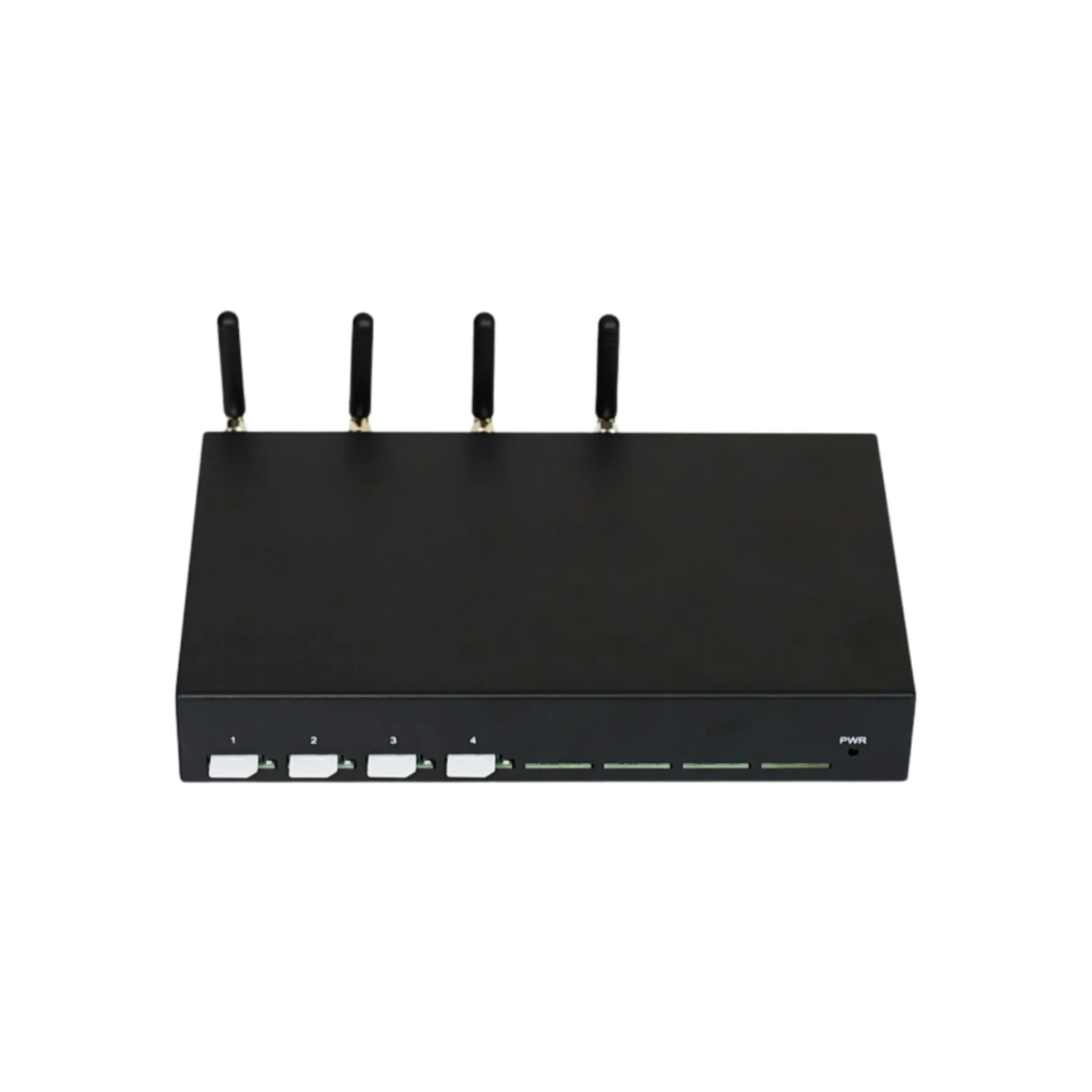
A local SMS gateway receives messages through its own SIMs and cellular modules. A remote employee’s phone data-roaming setting does not control that gateway’s cellular service. The employee’s internet connection and the gateway’s SMS reception are separate links that must both work.
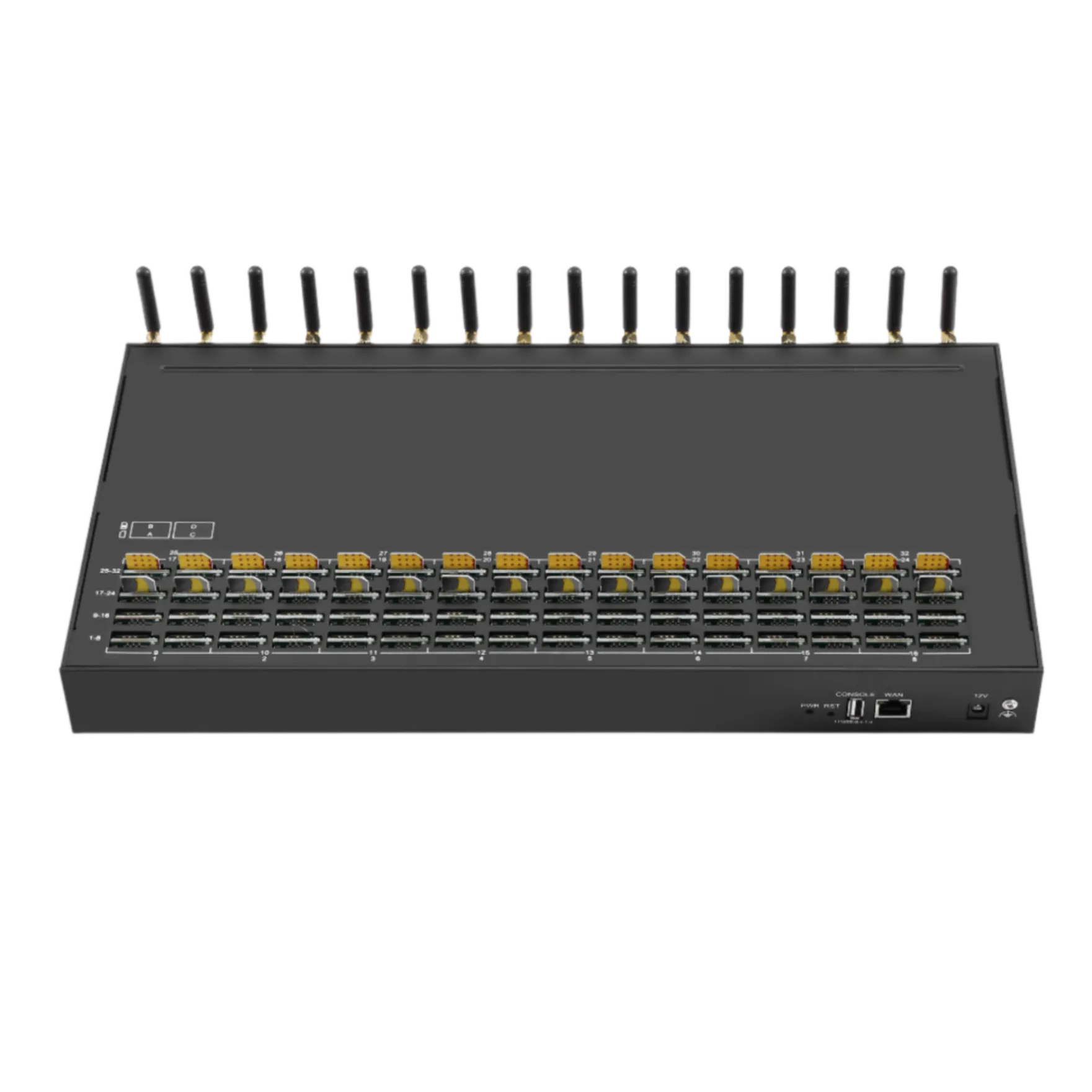
For equipment receiving messages on company-owned numbers, assess the SMS gateway hardware, carrier permission, active channel count and receiving interface. Use the SMS gateway solution to plan the application path. Hardware does not guarantee receipt from every sender.
Validate the cellular message at the gateway before diagnosing the remote application. If the gateway has received it but the application has not, examine the retrieval interface, permissions and application processing. If the cellular module never receives it, examine that SIM’s network service and the sender. The same separation used for a phone applies, but the evidence comes from the gateway and application logs.
Keep the diagnosis focused on the receiving dependency
Data roaming is normally not required for standard SMS, but the receiving line must have a supported service path. That can be a cellular roaming connection or a properly supported carrier Wi-Fi arrangement. MMS and internet messaging use different requirements, so identify the message type before changing settings.
The decisive checks are line status, account permissions, ordinary SMS receipt and sender-specific behaviour. Treat charging as a separate tariff question and code acceptance as a separate account question. This gives the next action a clear owner and prevents internet settings from becoming a catch-all explanation for unrelated failures.
For a company gateway receiving workflow, ask Telarvo to review the cellular and application paths using the exact model, firmware, carrier and observed delivery symptom. Keep credentials and verification codes out of the diagnostic material.
FAQ
Can an inactive prepaid SIM receive SMS abroad?
Do not rely on it. A card can remain installed while its subscription has expired, been suspended or lost permission to roam. Check account validity and the carrier’s rules for receiving service; a previous successful trip does not establish current eligibility. A balance display alone may not explain every restriction. If the line is still registered but texts fail, ask the carrier to check the specific inbound SMS service rather than purchasing a data package as a speculative fix.
Can a code arrive after the phone is switched back on?
A network may retain an undelivered SMS for a limited period, so a message can arrive when the phone reconnects. That does not mean its verification code is still valid. The sender’s expiry time and retry rules are separate from network retention. Check when the code was requested and whether a newer request superseded it. Do not assume that the most recently displayed message is the newest usable code if delivery has been delayed.
Will resetting the phone’s network settings fix the problem?
Sometimes it can address a device-side configuration problem, but it is not a universal first step. Check line status, account permission and a normal SMS test before making a broader reset. Understand which saved connections or settings the device will remove, and keep access to the travel plan’s setup information. A network reset will not create a roaming agreement, renew an expired subscription or repair a sender-specific delivery route that the carrier or account provider must investigate.
Can an SMS delivery report prove that the user saw the code?
No. Depending on the system, a delivery status can describe a network or receiving-device event rather than human access to the message. The person may be reading a linked device with a delay, the code may have expired, or the account may reject it for another reason. For troubleshooting, record delivery, display and account acceptance separately. Avoid converting a successful delivery status into a claim that the authentication workflow completed or that the intended user read the message.