SIP packet loss on a VoIP gateway produces the same complaint as jitter and as codec trouble, and the three have nothing in common except the symptom. Isolating which one you have is the whole job, because each points at a different owner.
This guide covers the measurement that separates the three, how to test the path without involving the gateway, the switching and segmentation causes that are easiest to fix, how cellular-side loss presents differently, and what to record so the next occurrence is a comparison rather than an investigation.
Is it SIP packet loss on a VoIP gateway, or jitter, or codec degradation?
Each produces a different kind of complaint.
Loss drops syllables, jitter makes speech arrive unevenly and sound clipped in bursts, and codec trouble produces consistent artefacts across an entire call regardless of the path.
The three are separable from the description alone, which is why the first five minutes of an investigation should be spent listening rather than measuring. A caller who reports that words disappear mid-sentence is describing loss. A caller who reports that the far end sounds robotic for a few seconds at a time is describing jitter and the buffer behaviour that accompanies it. A caller who reports a consistent metallic quality for the whole call, on every call, is describing a codec or transcoding problem and the network is probably innocent.
Where the report is vague, the differentiator is stability. Loss and jitter vary with time and with load; codec artefacts do not. If the quality is identical at 3 a.m. and at peak, the path is not the variable, and time spent on network tuning will produce nothing.
Which measurement tells the three apart?
Read the receiver report, not the ping.
The companion control protocol in RFC 3550 reports packet loss, interarrival jitter and round-trip estimates from the stream itself, which is exactly the data the three diagnoses need.
A ping test measures reachability and latency, not media quality, and it will look clean during a call that sounds broken because it does not traverse the same path or carry the same load. The media stream reports do traverse it. The payload types and clock rates that associate a codec with a stream are defined in the profile specification RFC 3551, and comparing the reported behaviour against the codec in use is what tells you whether the loss is large enough to matter for that codec.
Report the numbers as three separate series rather than as one quality score. Loss percentage, jitter in milliseconds and round-trip time move for different reasons, and combining them into a single index destroys the ability to tell which one changed when the complaint arrives.
| Symptom | Likely cause | First measurement |
|---|---|---|
| Words disappear mid-sentence | Packet loss on the media path | Receiver-reported loss percentage per interval |
| Robotic bursts of a few seconds | Jitter exceeding the buffer | Interarrival jitter from the same report |
| Consistent metallic quality on every call | Codec or transcoding | Negotiated codec and any conversion in the path |
| One-way audio only | Address translation on the return path | Contact and connection addressing in signalling |
Testing the path independently of the gateway
Measure the same route with something that is not the gateway.
Running a media-like stream between the two endpoints without involving the gateway shows whether the path alone can produce the loss you are seeing.
The value of the test is in what it excludes. If a synthetic stream over the same route, at a comparable rate and packet size, reproduces the loss, the gateway is not the cause and configuration work on it is wasted effort. If the synthetic stream is clean while the call is not, the difference is either in the gateway’s handling or in the load it adds to the path.
Match three parameters to make the comparison meaningful: packet size, packet rate and the quality-of-service markings used. A test stream that differs in any of them may take a different queue in a congested device and produce a result that has nothing to do with the call. Where the path crosses a provider boundary, run the test on both sides of it, because the owner of the loss is the person who has to fix it.
Switch, router and segmentation causes
Most on-premise loss starts in the switch, not in the carrier path. Duplex mismatches produce loss that rises with load, because the switch drops frames it cannot buffer while the reporter sees a link that is up. Interface errors accumulate silently until someone reads the counters, and the counters are the evidence that distinguishes a physical problem from a configuration one.
Quality-of-service configuration is the second common cause, and it fails in both directions. A voice stream that is not marked takes the same queue as bulk traffic, so a backup job or a log transfer can degrade calls without any component being faulty. A voice stream that is marked more aggressively than the provider expects can be dropped at the provider edge, since some networks police markings that they do not recognise. The user datagram transport that most media uses has no built-in congestion control, and the behaviour expected of applications using it is described in RFC 8085, which is a useful reminder that the network is not obliged to protect a stream that does not respond to congestion.
Segmentation is the third. Where voice and data share a segment, the voice path inherits the burst behaviour of everything else on it. Moving the gateway to its own segment is often the single change that produces a measurable improvement, and it is also the change that is hardest to justify until the counters show the correlation.
How does cellular-side loss present differently?
It appears periodic and correlated, not continuous.
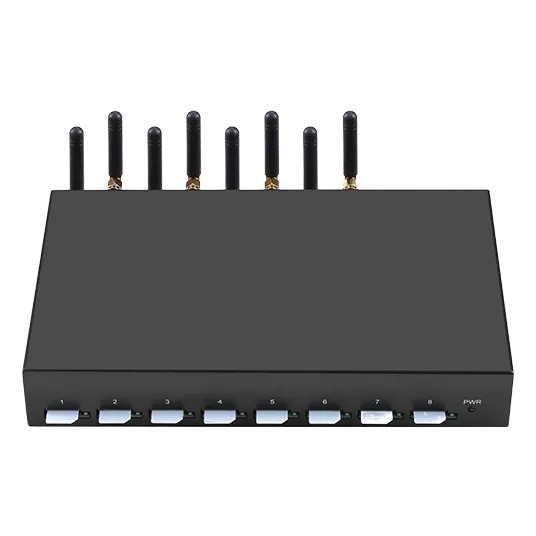
Loss on the cellular leg typically tracks radio conditions, so it rises during the same minutes on several ports at once and falls away as conditions recover.
Two features distinguish it from IP-side loss. The first is correlation across ports: a radio problem affects every port on the same cell at the same time, while switch or path problems usually affect the ports sharing that path. The second is its relationship to call setup, since a call that begins under poor radio conditions can carry the consequences for its whole duration.
The relevant measurement is therefore per-port and time-aligned rather than aggregated. Where several ports lose media simultaneously and the IP path is clean, the radio leg is the explanation, and the remedy is coverage or placement rather than network configuration. Where a single port loses media while its neighbours are clean, look at that port’s radio path and its antenna routing.
What to change on the device, and what not to
Change jitter buffering deliberately and change little else.
A larger buffer absorbs jitter at the cost of added delay, and that trade is only worth making when jitter is the diagnosis rather than loss.
Buffer tuning is the change that gets made first and understood least. Increasing the buffer on a path that is losing packets does not recover them; it adds delay to a stream that is already degraded. Increasing it on a path with jitter does help, and the acceptable ceiling is set by the delay budget you are working to — the reference point for end-to-end delay in speech applications is ITU-T G.114. Read the recommendation before trading delay for smoothness, because the trade is not free.
What not to change is the codec during an investigation. A codec change alters bandwidth, packet rate and error sensitivity at once, so it makes the next measurement incomparable with the last. Where in-band tones are in use, the transport is specified in RFC 4733, and a change there has its own effects on the perceived quality of digit entry.
Interactive connectivity establishment, specified in RFC 5245, is worth reading where the path traverses translation devices, because the candidate selection it describes explains why two calls between the same endpoints can take different paths and produce different quality.
Baseline recording for later comparison
A baseline is a small set of numbers recorded with their context. For each measurement, record the loss percentage and jitter per interval, the round-trip time, the negotiated codec, the packet size and rate, the marking in use, and the time of day. With those fields, a later complaint becomes a comparison against a known state rather than a new investigation, and the first question — what changed — usually answers itself.
Record the baseline per path as well as per gateway, because deployments that add a second route or a second provider lose the ability to attribute a change until the paths are measured separately. Where the gateway carries both voice and messaging, keep the two baselines apart for the same reason.
Re-take the baseline after any change to the network path, the codec set or the endpoint population, and note the reason for the re-take next to the record. A baseline that is refreshed without a note is indistinguishable from one that was silently overwritten, and the next investigation inherits a comparison it cannot trust. Where the deployment runs more than one site, keep the baselines separate rather than averaging them.
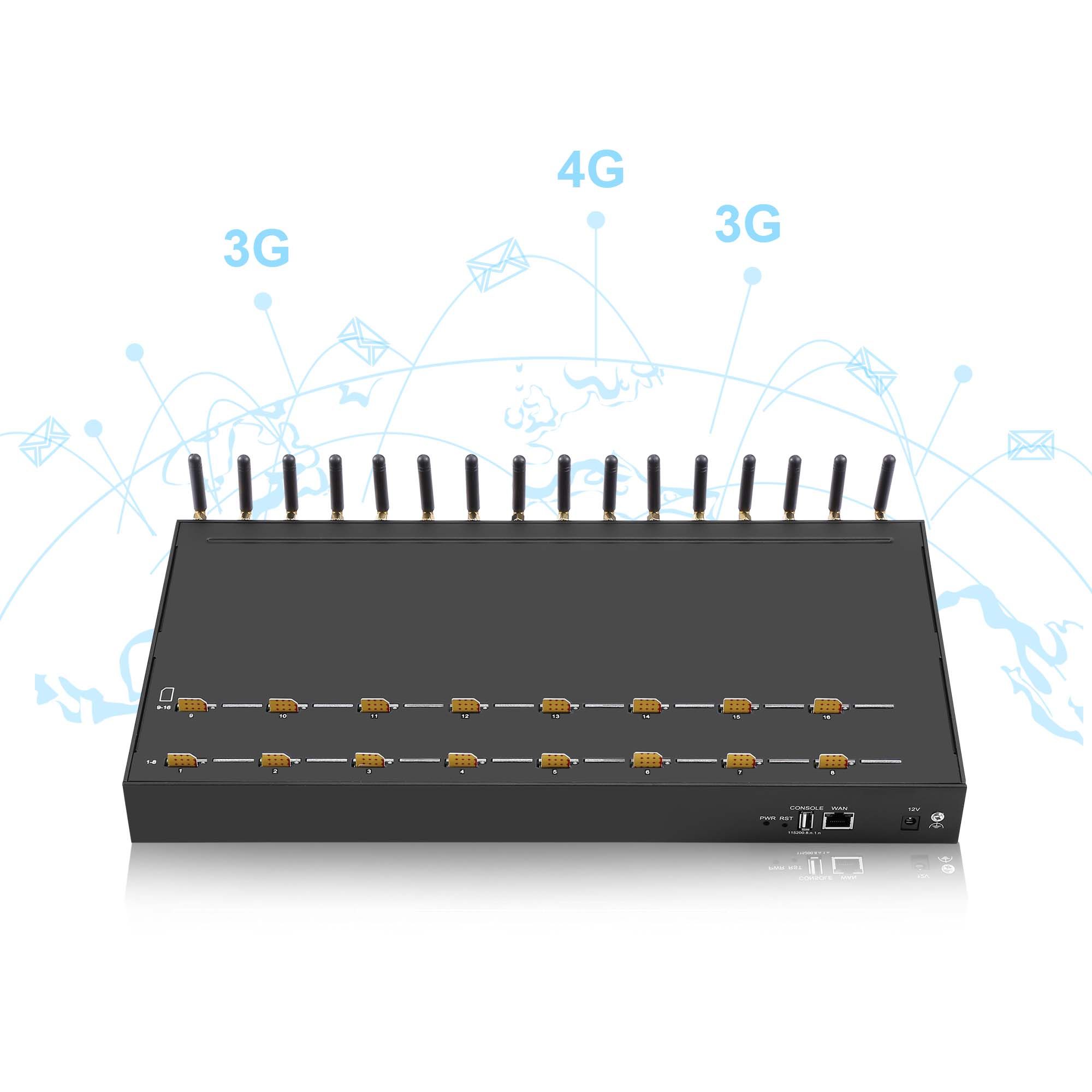
Bring the receiver report, not a description of the audio. Send your loss and jitter series, the negotiated codec and the path in use to service@telarvo.com, or review the published configurations on the VoIP gateway range and the VoIP gateway solution page. Telarvo publishes the SK VOIP gateway range and the GoIP models on its product pages, and the configurations referenced above come from those listings.
FAQ
Does a ping test prove the voice path is clean?
No. Ping measures reachability and round-trip time for small probes that may take a different queue and a different path from the media stream. It is useful for ruling out a dead route and useless for judging media quality. Use the receiver reports that travel with the stream itself, and compare them with the baseline taken when the path was known to be good.
Should we increase the jitter buffer to fix choppy calls?
Only when jitter is the diagnosis. A buffer absorbs variation in arrival time; it cannot recover packets that never arrived, so it does nothing for loss and adds delay to every call. Check the loss and jitter series separately first, and keep the added delay inside the budget you are working to. Raising the buffer to cover a loss problem trades one fault for another.
Could the cellular leg cause media loss that looks like a network fault?
Yes, and correlation is the tell. Radio problems affect every port on the same cell at the same time, so several ports degrade together and recover together. If the IP path tests clean while ports lose media in unison, look at coverage and antenna placement before touching the network configuration. A pattern that repeats at the same hours points at load on the serving cell rather than at your switch.
What belongs in a call-quality baseline?
Loss percentage and jitter per interval, round-trip time, the negotiated codec, packet size and rate, the quality-of-service marking in use, and the time of day. Record it per path as well as per gateway, so that a later complaint can be compared against a known state instead of starting a new investigation. Note the firmware version too, because codec negotiation behaviour can change between releases.
{
“@context”: “https://schema.org”,
“@type”: “FAQPage”,
“mainEntity”: [
{
“@type”: “Question”,
“name”: “Does a ping test prove the voice path is clean?”,
“acceptedAnswer”: {
“@type”: “Answer”,
“text”: “No. Ping measures reachability and round-trip time for small probes that may take a different queue and a different path from the media stream. It is useful for ruling out a dead route and useless for judging media quality. Use the receiver reports that travel with the stream itself, and compare them with the baseline taken when the path was known to be good.”
}
},
{
“@type”: “Question”,
“name”: “Should we increase the jitter buffer to fix choppy calls?”,
“acceptedAnswer”: {
“@type”: “Answer”,
“text”: “Only when jitter is the diagnosis. A buffer absorbs variation in arrival time; it cannot recover packets that never arrived, so it does nothing for loss and adds delay to every call. Check the loss and jitter series separately first, and keep the added delay inside the budget you are working to. Raising the buffer to cover a loss problem trades one fault for another.”
}
},
{
“@type”: “Question”,
“name”: “Could the cellular leg cause media loss that looks like a network fault?”,
“acceptedAnswer”: {
“@type”: “Answer”,
“text”: “Yes, and correlation is the tell. Radio problems affect every port on the same cell at the same time, so several ports degrade together and recover together. If the IP path tests clean while ports lose media in unison, look at coverage and antenna placement before touching the network configuration. A pattern that repeats at the same hours points at load on the serving cell rather than at your switch.”
}
},
{
“@type”: “Question”,
“name”: “What belongs in a call-quality baseline?”,
“acceptedAnswer”: {
“@type”: “Answer”,
“text”: “Loss percentage and jitter per interval, round-trip time, the negotiated codec, packet size and rate, the quality-of-service marking in use, and the time of day. Record it per path as well as per gateway, so that a later complaint can be compared against a known state instead of starting a new investigation. Note the firmware version too, because codec negotiation behaviour can change between releases.”
}
}
]
}