FreePBX removes most direct configuration, which is an advantage until something does not work. At that point the graphical model hides the two decisions that determine whether calls route: what the gateway presents, and what the trunk type expects to receive.
This guide is the FreePBX-specific counterpart to a general PBX compatibility matrix. It covers the trunk type that matches a cellular gateway, how outbound and inbound routes match against what the gateway actually sends and presents, what produces a call that connects and reaches nothing, and what to record so the next change is a configuration edit rather than an investigation.
Which trunk type fits a cellular gateway?
Match the trunk type to the registration behaviour.
The trunk type encodes an assumption about which side registers, and choosing the wrong one produces a session that never completes.
FreePBX offers several trunk types, and they differ in how the far end is authenticated and whether a registration is expected. A cellular gateway typically registers to the platform with credentials, which corresponds to a trunk type that expects an inbound registration. Where the gateway is addressed by fixed address instead, a different type applies. The practical step is to establish the gateway’s behaviour first and then select the matching type, rather than selecting a type and configuring the gateway to fit.
The mismatch that costs the most time is a trunk expecting a registration that the gateway is not sending, or a gateway sending one that the trunk type ignores. Both produce repeated authentication attempts in the log with no successful session, and the log is the fastest place to see it.
How do outbound routes match what the gateway sends?
By dial pattern, against the digits received.
Outbound routing is a matching problem, and the pattern has to be written against the value in the log rather than against the dialled number in your head.
Three steps establish it. Create an outbound route and point it at the trunk. Enter a dial pattern that matches the numbers you will dial, including any prefix the gateway adds or expects. Then place a test call and read the log to confirm the digits that arrived at the gateway match the pattern. Where the pattern is written for a national format and the gateway receives an international one, the call fails in a way that looks like a trunk fault.
Prefix handling deserves its own note. Many deployments need to strip a leading digit before the gateway sees the number, and FreePBX can do that as part of the route. Doing it in the route rather than on the gateway keeps the translation in one place, which is the same principle that applies to inbound routing.
How do inbound routes match what the gateway presents?
By the exact value the gateway presents.
Inbound routing fails silently when the presented number matches nothing, which is why the value should be read rather than assumed.
The sequence is short. Place one inbound call. Read the presented number from the FreePBX log. Write an inbound route matching that value, and set its destination to the extension, ring group or announcement that should answer. Confirm the call reaches it. Where the gateway presents a number in a format the route does not match, the call arrives and is dropped by the default destination, which is the most common FreePBX integration symptom.
Two design decisions follow. Whether one number serves several destinations or each maps to one, which trades number inventory against routing complexity. And what the default destination is, because a call that matches nothing should still produce a record rather than disappearing.
Where the deployment serves several business lines, keep the mapping documented per line rather than in one table. A mapping that is correct but unreadable is not usable during an incident, and incidents are when it is read.
What causes a call to connect but reach nothing?
A route that matches no destination.
The trunk accepted the call, so the fault is in routing rather than in registration.
Three causes account for most instances. An inbound route whose pattern does not match the presented number, which leaves the call to the default destination or to nothing. A destination that exists but is unreachable, such as an extension whose endpoint is unregistered. And a number that the platform recognises but that has no mapping to a destination at all, which happens where routing was designed for a different number range.
The diagnosis order follows from the symptom. Read the presented number from the log and compare it with the route pattern, which resolves the first cause. Then confirm the destination exists and its endpoint is registered. Only then investigate whether the number should have a mapping at all, because that is a design question rather than a configuration one.
Keeping a default destination that is an announcement rather than a silent drop converts this class of fault from invisible to visible, and it costs one configuration entry.
How do you confirm the trunk is working end to end?
One call each way, then read the log.
Registration is not evidence that routing works, and the two are confirmed separately.
- Trunk registered. Confirm a successful registration in the log rather than a series of attempts.
- Outbound call. Dial through the route and confirm the digits that reached the gateway match the pattern.
- Inbound call. Call the number and confirm the presented value matches an inbound route.
- Audio, both directions. Confirm audio flows each way, which is a separate check from signalling.
- Codec negotiation. Read the negotiated codec and confirm no transcoding is occurring unnecessarily.
- Failure path. Remove the gateway from service and confirm the platform behaves as designed rather than silently dropping calls.
Items four and six are the ones most often skipped and most often decisive. A call that connects without audio is a media path problem that a signalling test will not reveal, and a failure path that has never been exercised is an assumption rather than a capability. Where the platform is built on Asterisk, the documentation at docs.asterisk.org describes how media parameters and failover are handled, and FreeSWITCH documents the equivalent behaviour where that is the underlying stack.
The signalling being confirmed is defined by RFC 3261, with the message sequences illustrated in RFC 3665. Both are worth consulting when a vendor claims compatibility without describing the model.
What should be recorded for handover?
Trunk type, routes, format, versions, test results.
The record is what turns a later behaviour change into a configuration comparison.
| Item | What to record |
|---|---|
| Trunk configuration | Trunk type, credentials, and the registration direction |
| Outbound route | Dial patterns, prefix handling, and the trunk it points at |
| Inbound route | The exact presented value, its destination, and the default destination |
| Codec | Negotiated codec and whether transcoding occurs |
| Versions | FreePBX version and gateway firmware version at acceptance |
| Test results | Both call directions, audio, and the failure-path result |
Where the deployment also references an equipment framework, the ETSI standards catalogue covers the network and equipment side of the same specification work.
Where the deployment serves several numbers, the inbound routing design deserves the same attention as the trunk itself. A route table that maps each number to a destination is easier to operate than one that depends on a prompt, and it produces a record for every call rather than only for calls that matched a selection. Recording the mapping per line rather than in one table keeps it usable during an incident, which is when it is read.
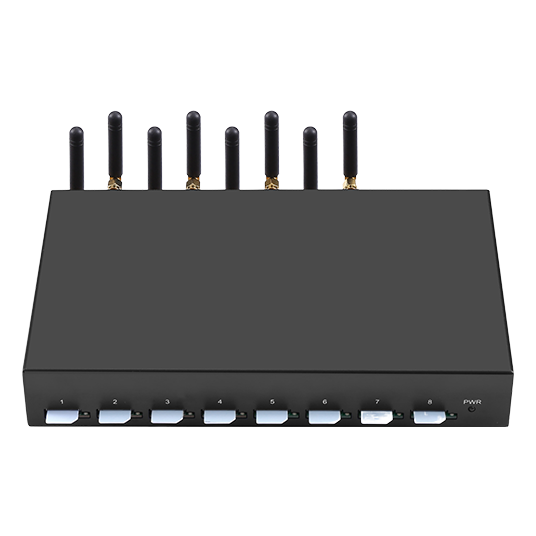
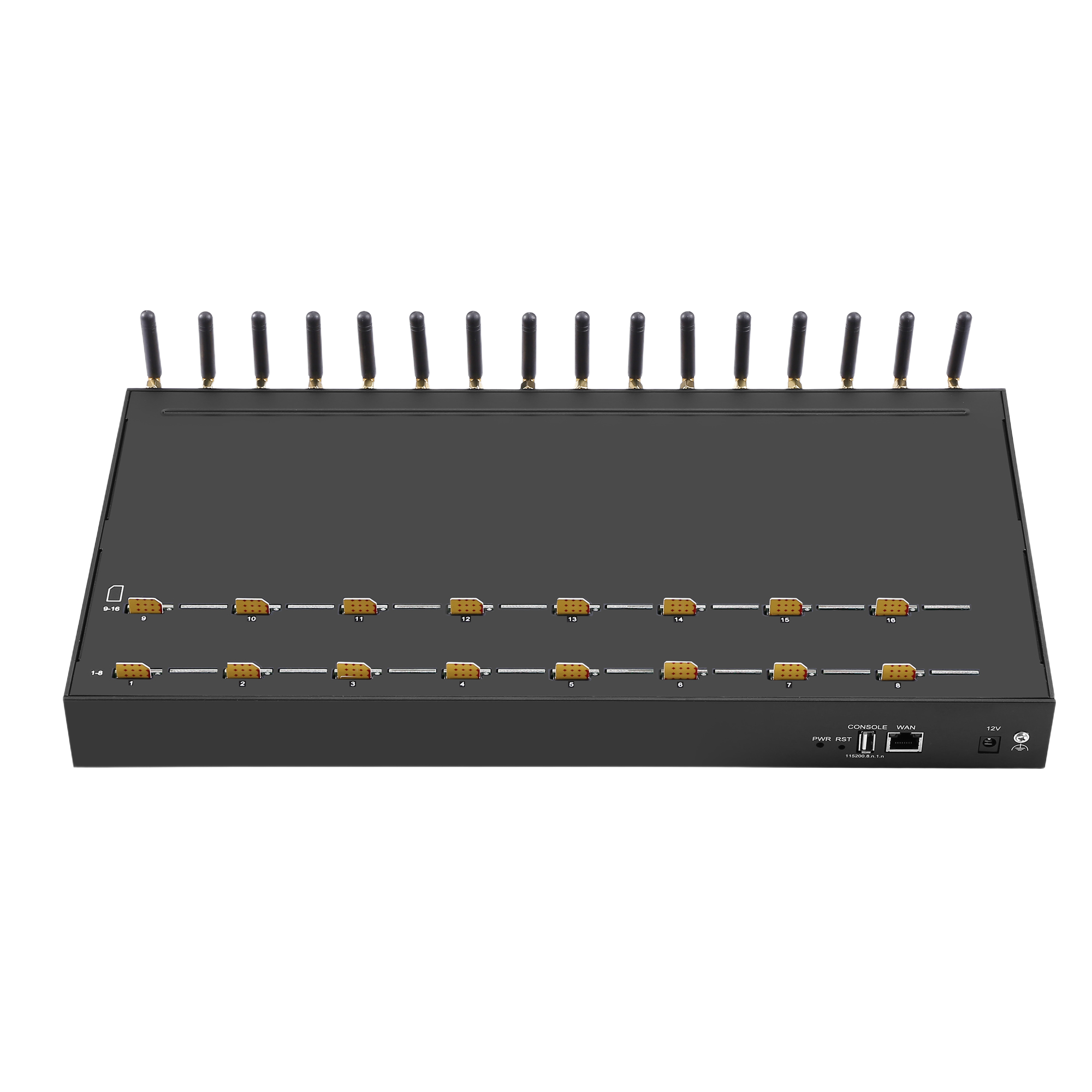
A second point concerns the platform’s own capacity. FreePBX installations are frequently sized for the extensions they serve rather than for the concurrent calls a gateway can generate, and an eight or sixteen channel trunk can exceed what the underlying host was provisioned for. Where the integration is the first high-concurrency path on the platform, confirm the host resources alongside the trunk configuration rather than discovering the limit when the gateway is fully loaded.
Recording the trunk type alongside the platform version matters more than it appears, because a later platform update can change which trunk types are offered or how a registration is validated, and a configuration inherited without that context is difficult to assess against a changelog.
Conclusion
A FreePBX integration with a cellular gateway comes down to three decisions: the trunk type, which should follow the gateway’s registration behaviour; the outbound pattern, which should be written against the digits the gateway actually receives; and the inbound route, which should be written against the value the gateway actually presents. Reading those values from the log rather than assuming them resolves most of the remainder, and a default destination that produces a record converts an invisible failure into a visible one.
Recording the configuration and the acceptance results together is what makes a later change interpretable. Where the deployment grows, the same model applies at every tier: the published SK VOIP Gateway range runs from the 4-port model at $260.00 upward, and the trunk, route and format decisions are identical across the range.
Read the presented number before writing an inbound route. Send your FreePBX version, trunk type and number convention to service@telarvo.com, or review the published models on the VoIP gateway solution pages.
FAQ
Which trunk type should I use for a cellular gateway in FreePBX?
The one that matches the gateway’s registration behaviour, rather than the one that looks most complete. Most cellular gateways register to the platform with credentials, which corresponds to a trunk type expecting an inbound registration. Establish the gateway’s behaviour first, then select the type; the reverse order produces repeated authentication attempts with no successful session.
Why does an inbound call arrive but not ring an extension?
Because the presented number does not match an inbound route, so the call is handled by the default destination. Read the presented value from the FreePBX log, compare it with the route pattern, and correct whichever is wrong. A default destination that reaches an announcement rather than dropping silently turns this class of fault into something visible.
Should number translation happen on the gateway or in FreePBX?
In one place only. Doing it in the outbound route keeps the translation visible in the platform’s configuration and avoids a situation where both sides convert and the result is a number neither intended. The same principle applies to inbound presentation: decide which side produces the canonical format and configure the other to pass it through.
What should I check after a FreePBX update?
Registration, both routing directions and codec negotiation, because each can be affected by a changed default rather than by a defect. Apply the update to a test system first where one exists, repeat the acceptance calls, and record the platform version alongside the results. A baseline recorded at acceptance is what turns an update into a maintenance task rather than an incident.